Advanced Vary (Region) Techniques
2023年8月30日

The Vary(Region) function is here! We’ve previously discussed the research here: Upcoming Feature: Inpainting Now, we’ll show you how to use the advanced techniques for the Vary(Region) feature.

You’ll find the Vary(Region) in the upscaled results, next to the Vary(Subtle) and Vary(Strong) buttons.
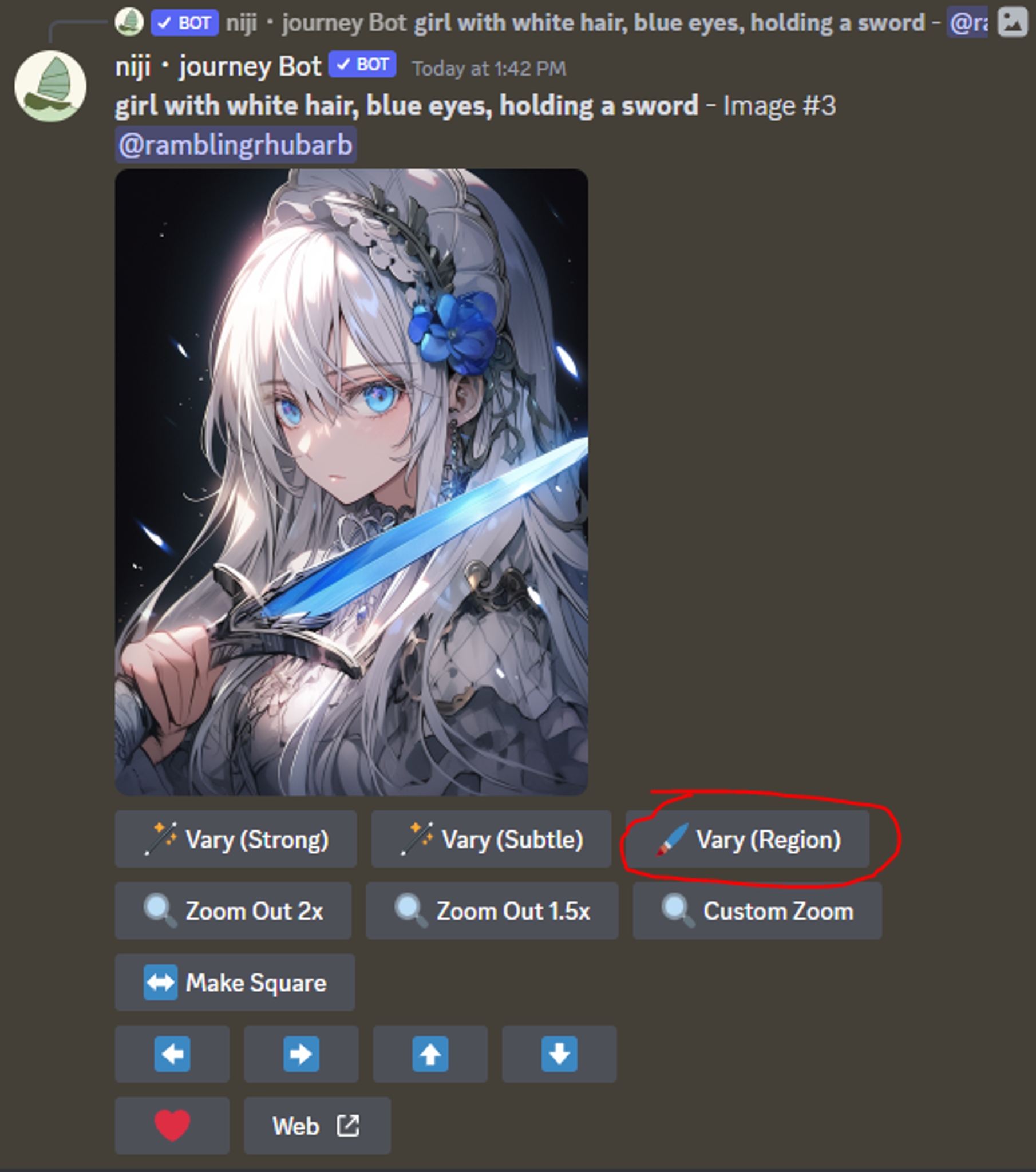
If you don’t see the Vary(Region) button, press ctrl + shift + R on your discord client window to update and restart.
There are 4 important sections in this interface.

1) The marquee lets you select a rectangular region.
2) The lasso tool lets you freehand a region.
3) The undo button that lets you fix your mistakes.
4) The prompt box lets you modify your prompt.
NOTE: If you are using midjourney, you’ll need to turn remix mode on, to see the prompt dialog. This prompt dialog is enabled by default on niji・journey.
To fix a region, do not modify the prompt box. Simply select a region and hit the confirm arrow to redraw the afflicted region. Here, we redrew the misshapen hand.

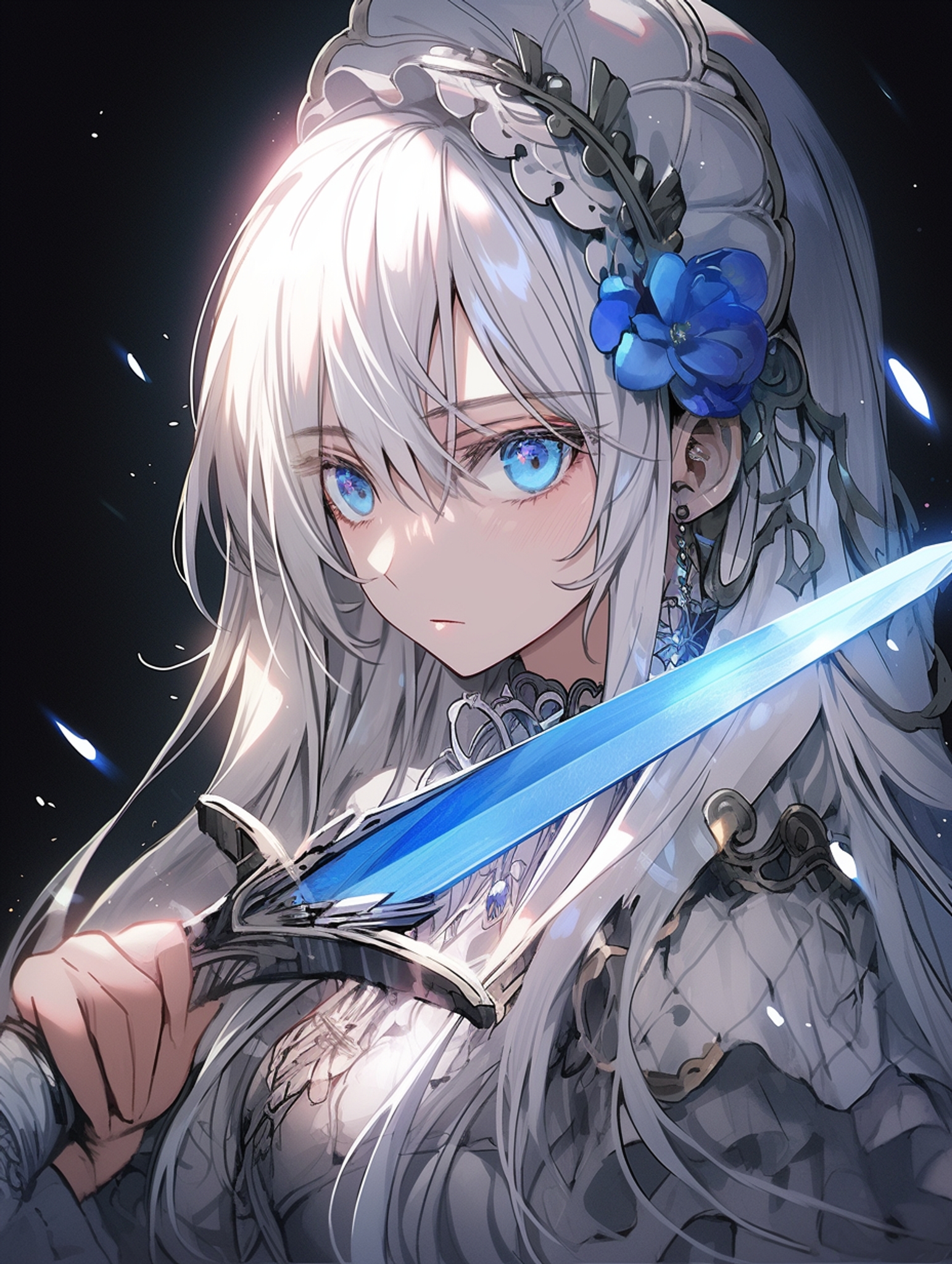

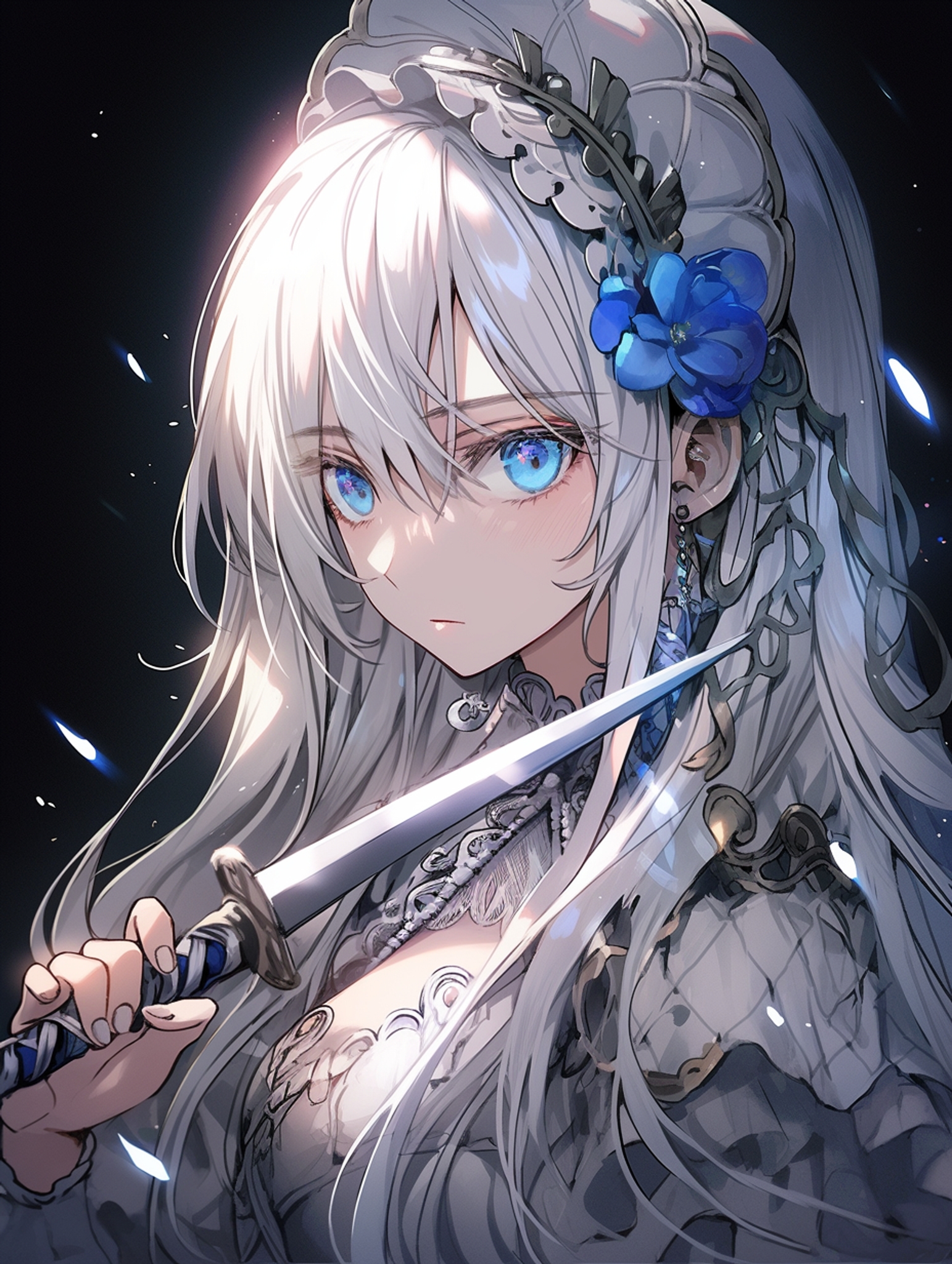
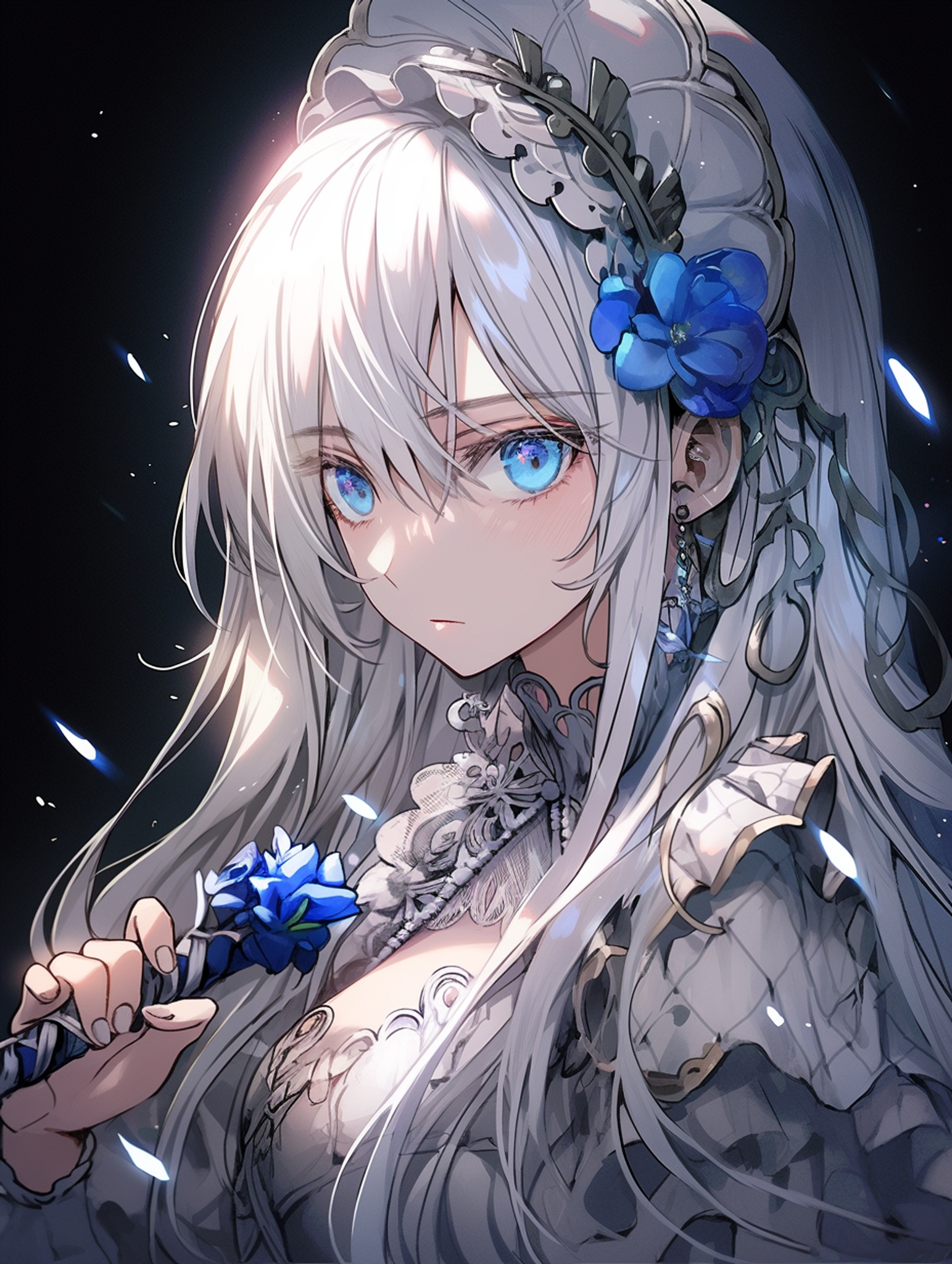
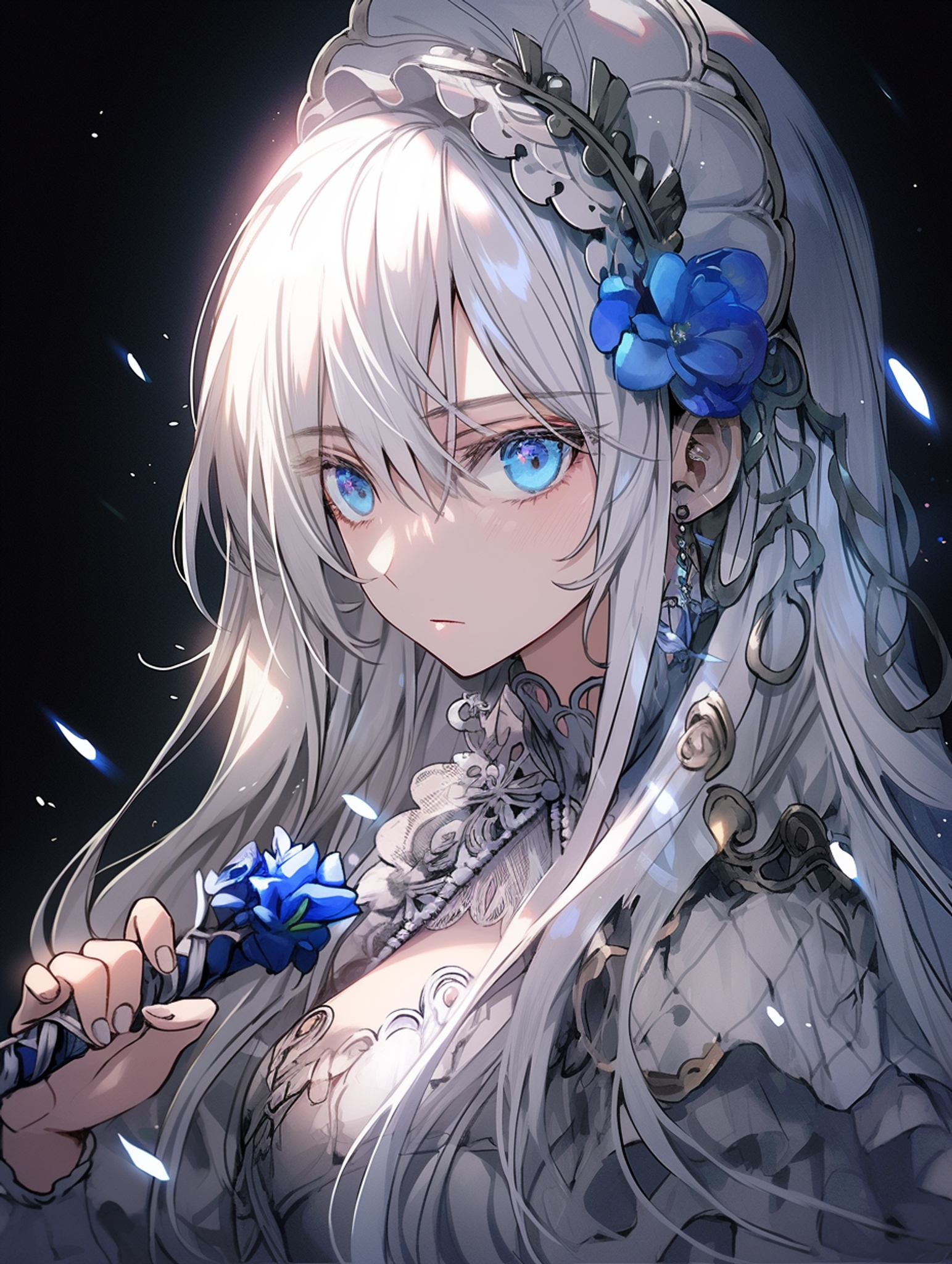
You can affect more drastic changes to your picture by typing in a different prompt into the prompt box. Here, we replaced the dagger with a flower.
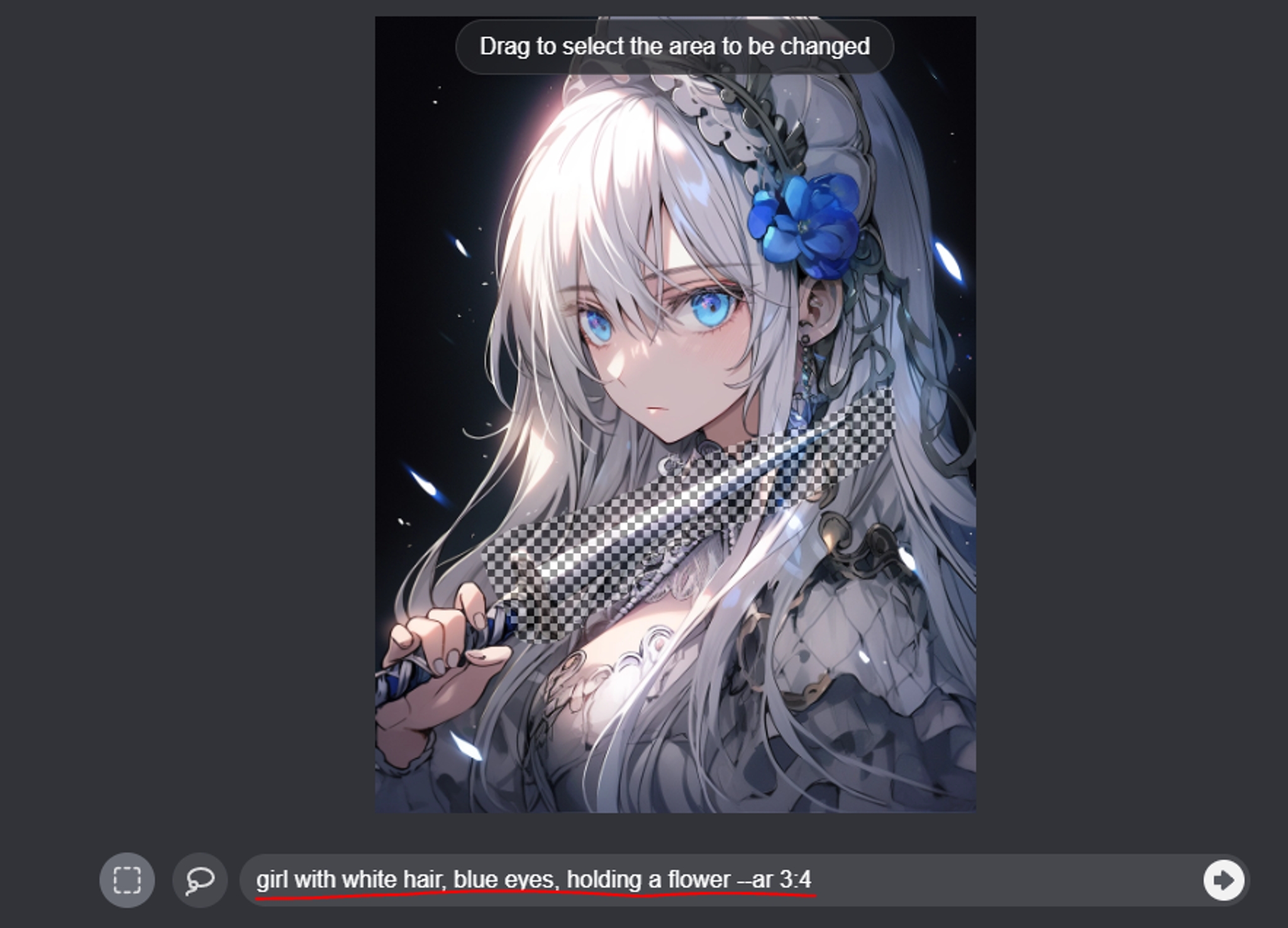

girl with white hair, blue eyes, holding a sword

girl with white hair, blue eyes, holding a flower
To add an element that doesn’t exist in the picture, select the region, and then append the element you with to add to the prompt. (see section on “simplify the prompt”)
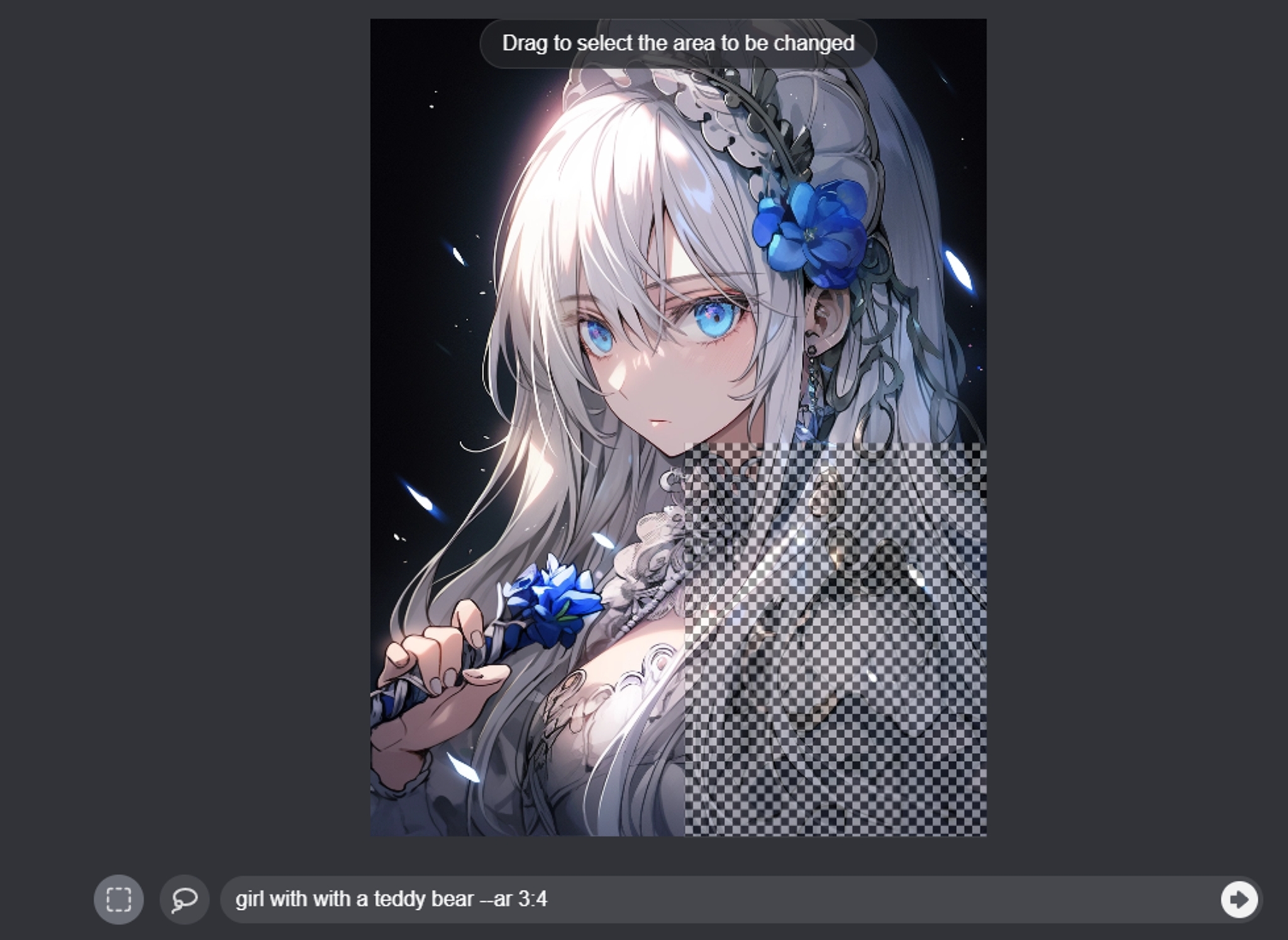
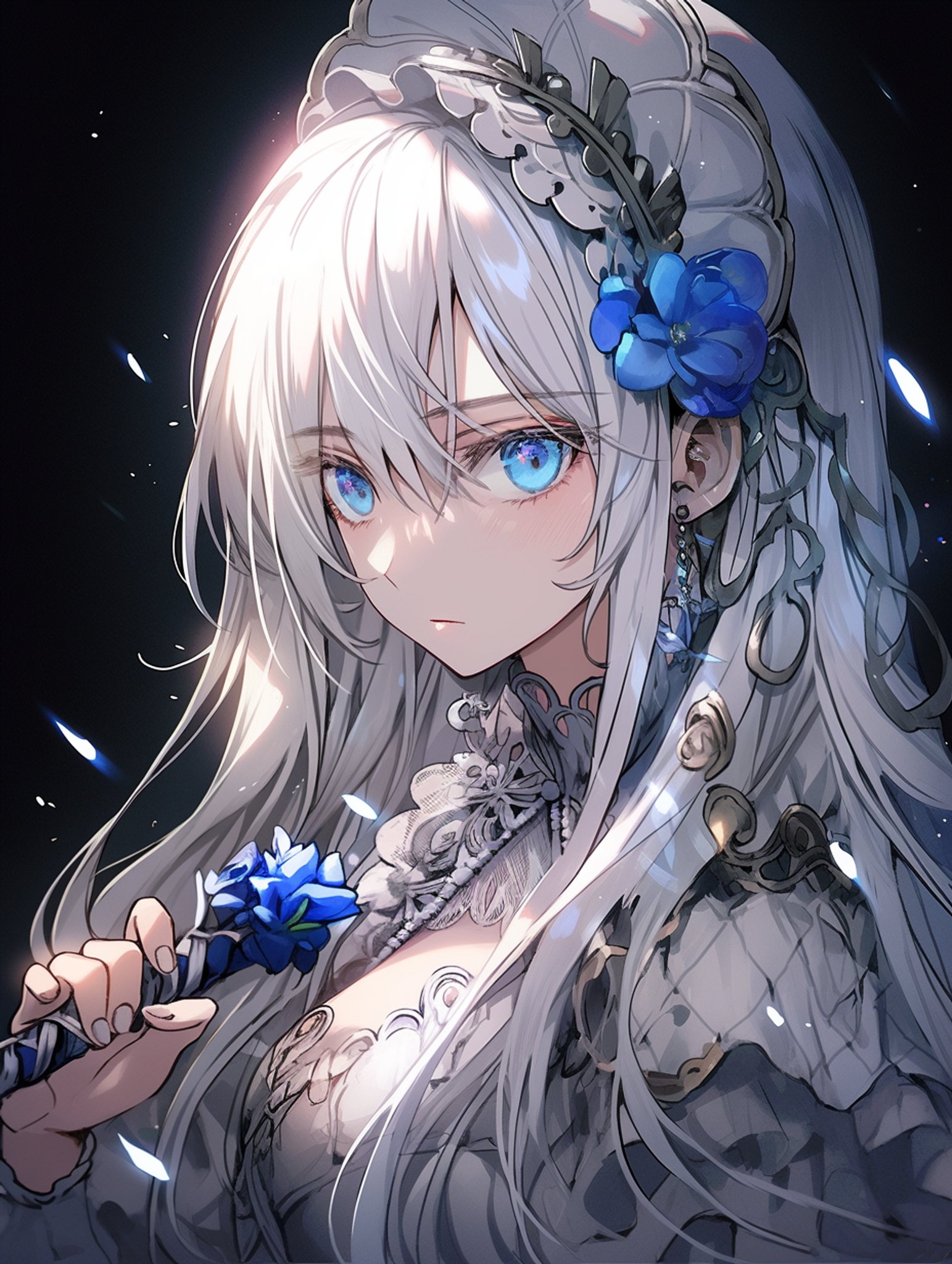
girl with white hair, blue eyes, holding a sword

girl with a teddy bear
To remove an element, select the item you want removed, and leave the area you want removed out of the prompt.
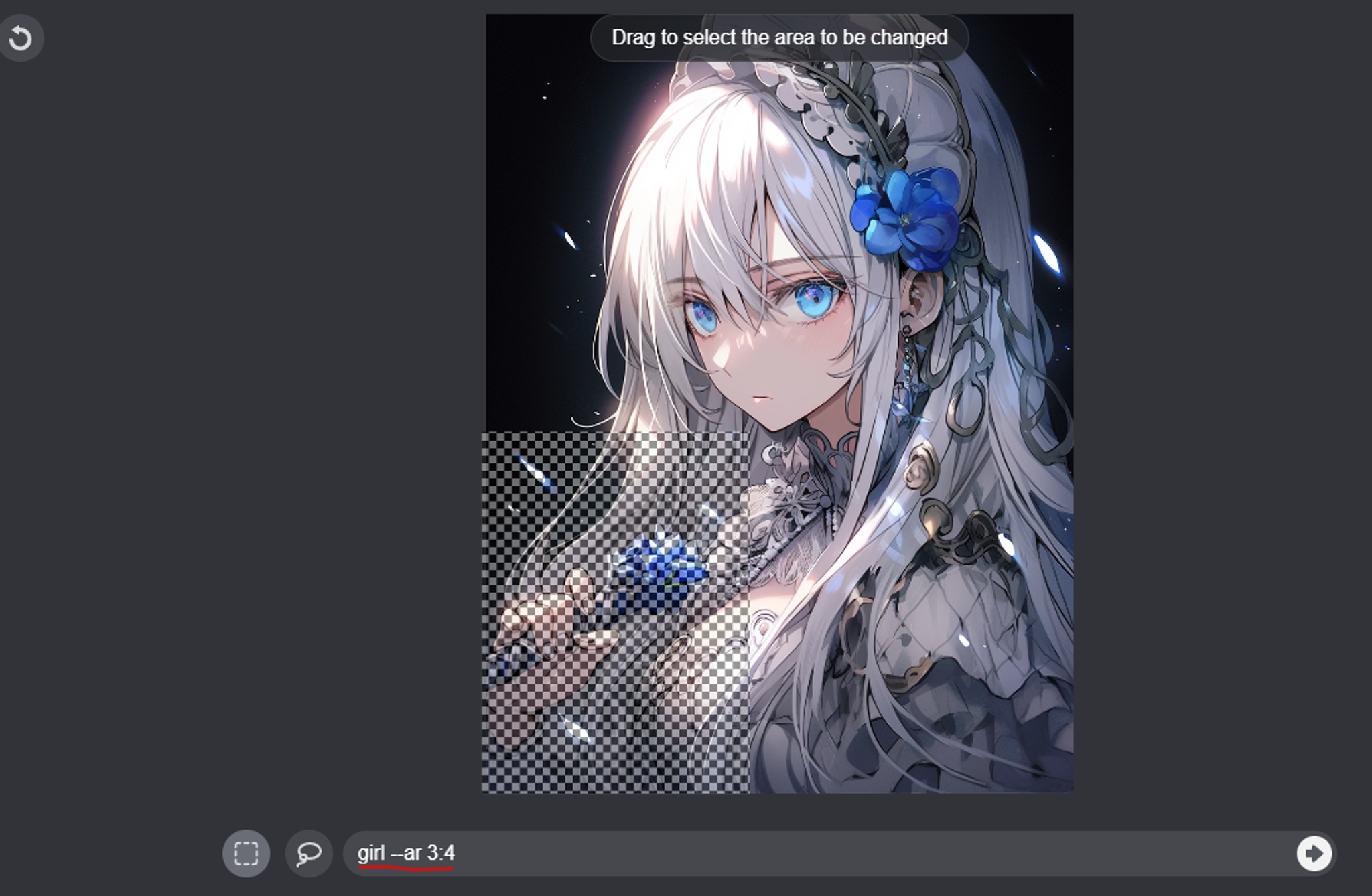

girl with white hair, blue eyes, holding a sword
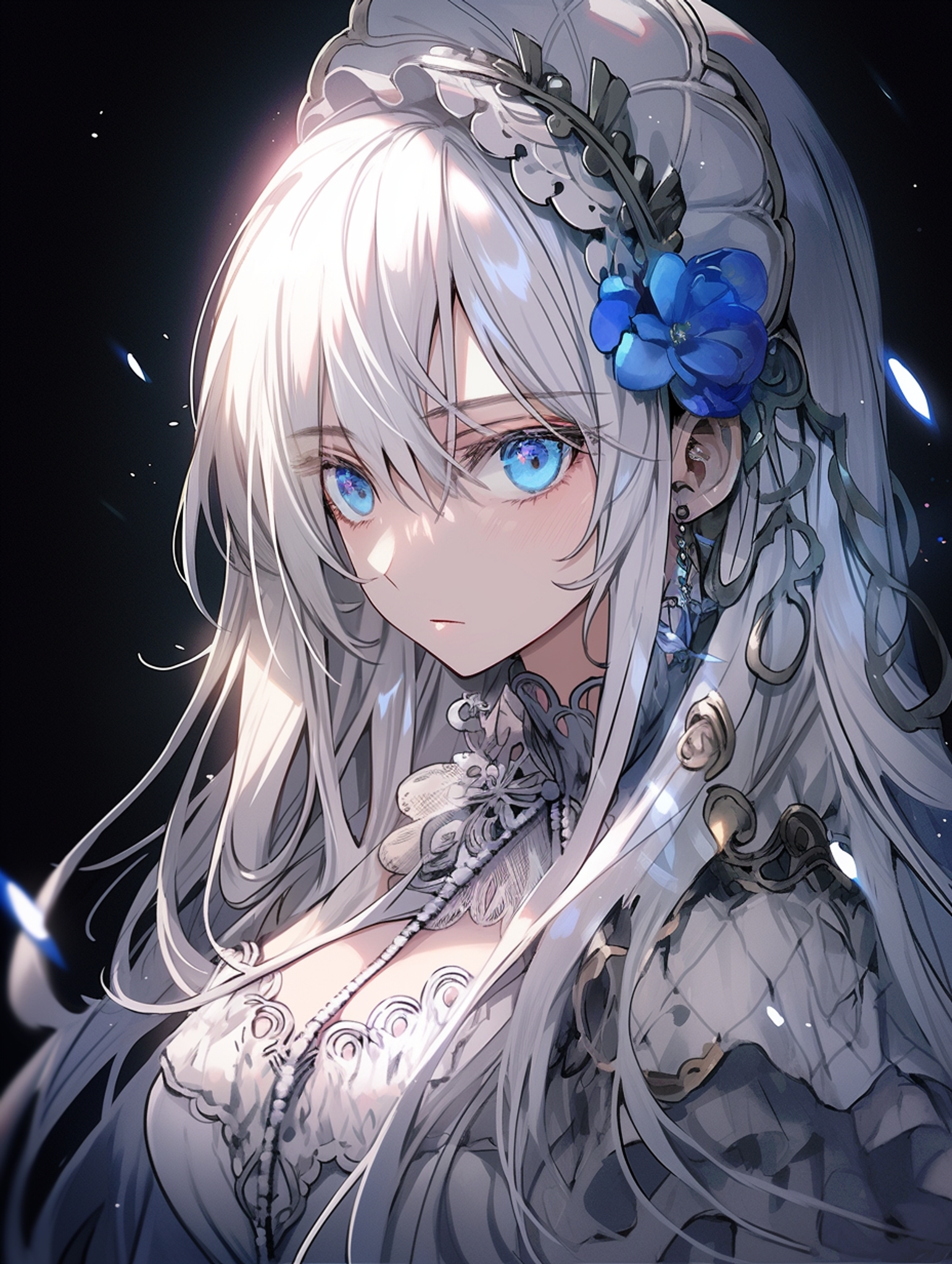
girl
💡
You must leave the area out, instead of writing the negative.
To remove the hand from this picture, instead of writing “girl, no hands,” simply write, “girl”
💡
You can press Vary(Region) on a Vary(Region) result. This allows editing through incremental adjustments.
Fixing the hand:

Fixing the blade:
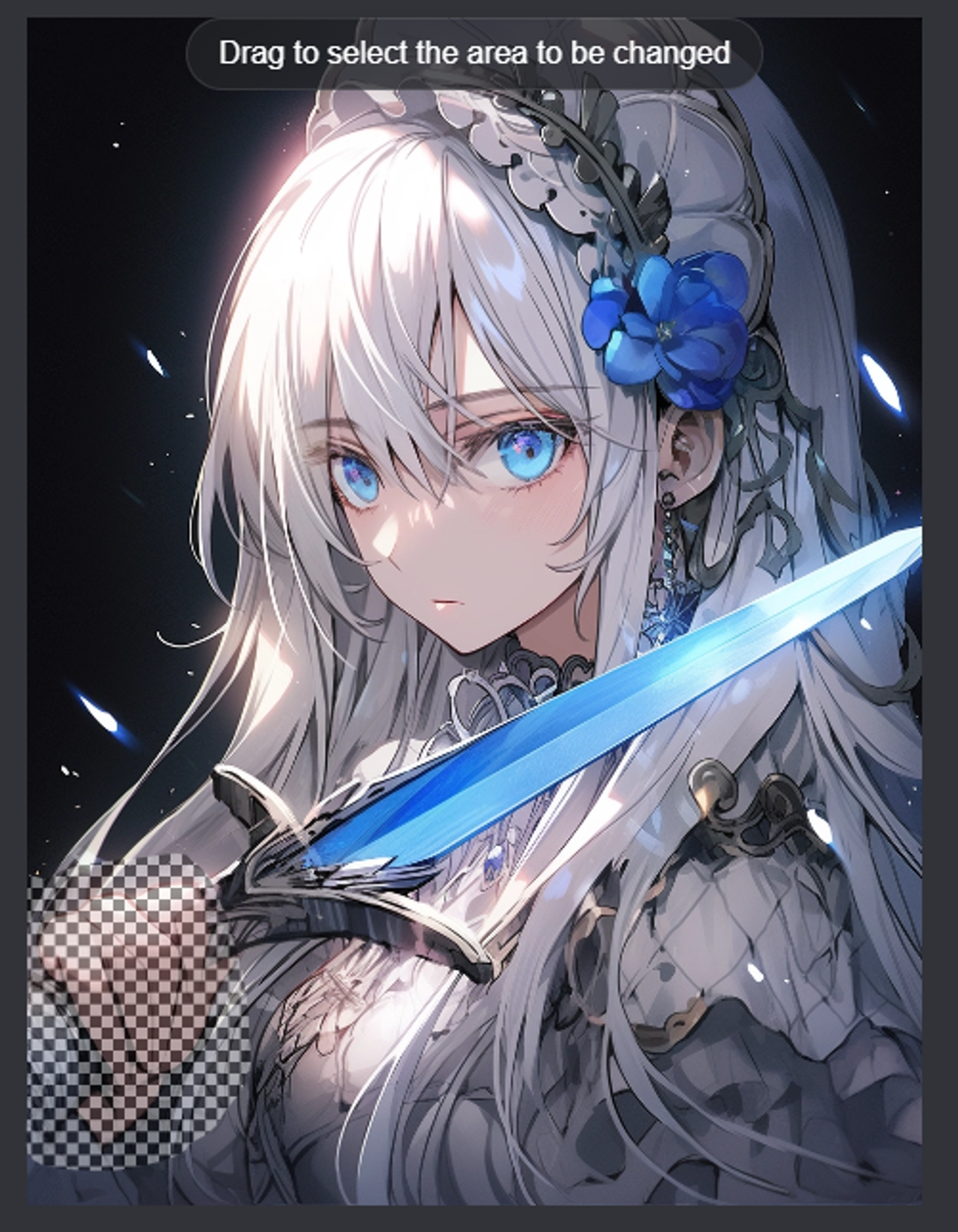

Making the hand gesture more delicate:


Fixing the palm:


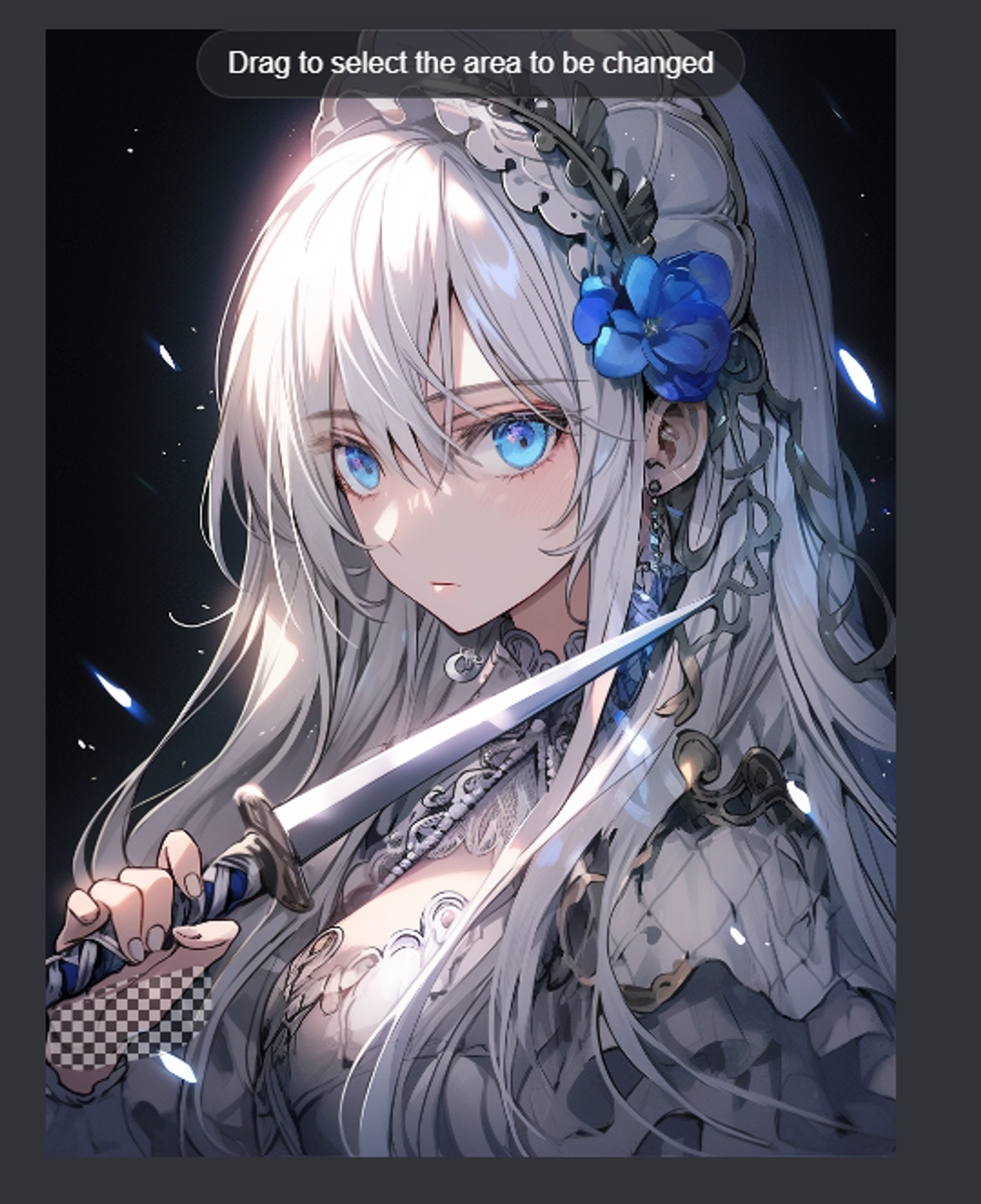
Final Comparison: A very delicate hand pose!

💡
If you are making modifications to the prompt, address the region that niji needs to repaint, not the entire picture.
For example, this original image was made with the prompt “girl with white hair, blue eyes, holding a sword”

girl with white hair, blue eyes, holding a sword
However, when making subsequent edits, we should be less descriptive about the the region not being repainted.

girl, holding a flower.
We can achieve the following results by using “girl, holding a flower.” We’ve removed details regarding the girl, since the flower that is the focus of the repaint.
Simplifying the prompt to the part being changed will make sure that niji prioritizes the edits requested, instead of spending the effort to get the rest of the details right.
💡
Carefully choose the size of the region, when modifying the prompt.

If the boundary is too tight, niji will not have enough space to redraw your request.


If the selected region is too large, niji will end up redrawing the parts that you want to keep
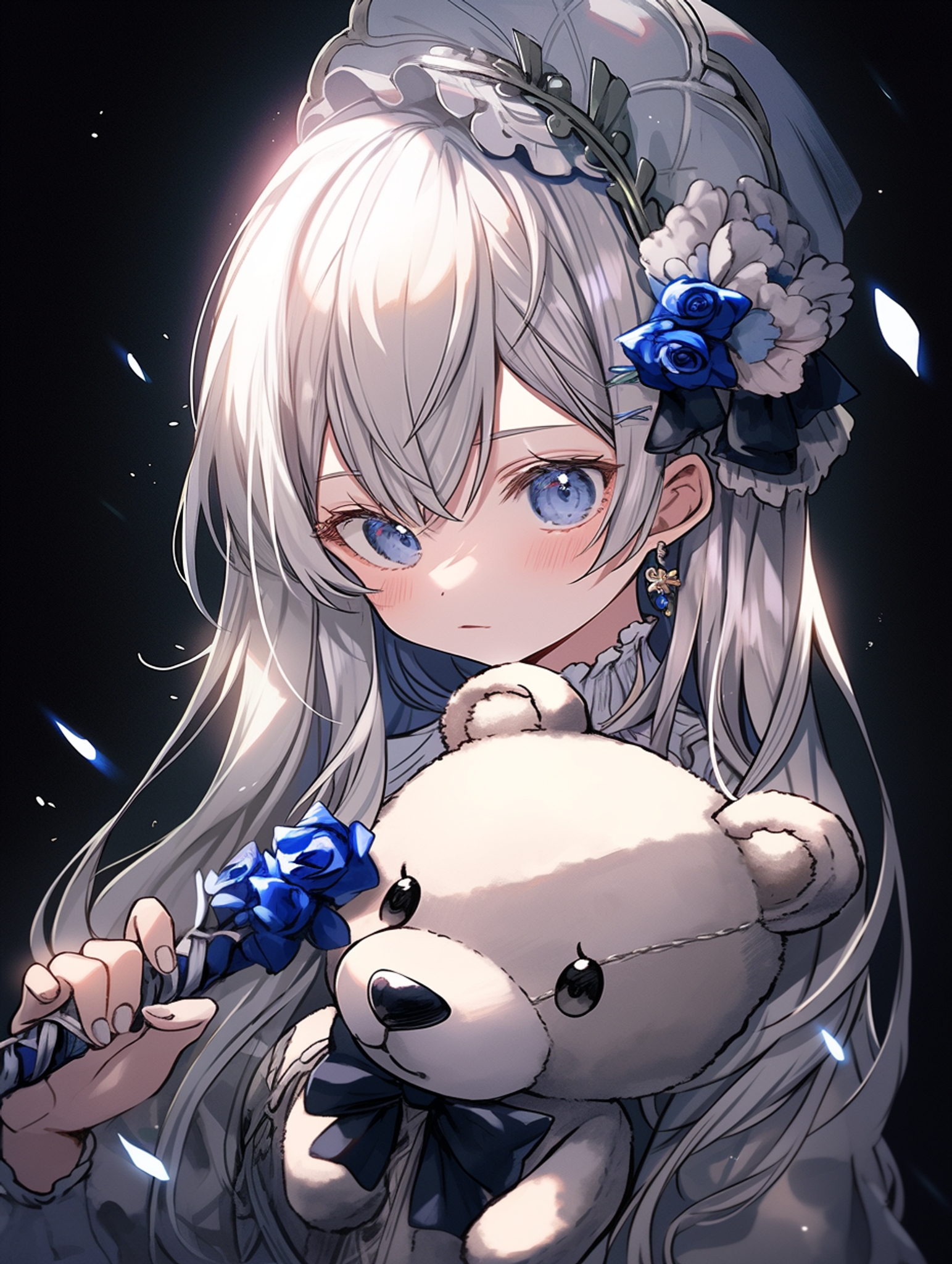

Make sure to size the region just right. When in doubt, err a little on the larger side.
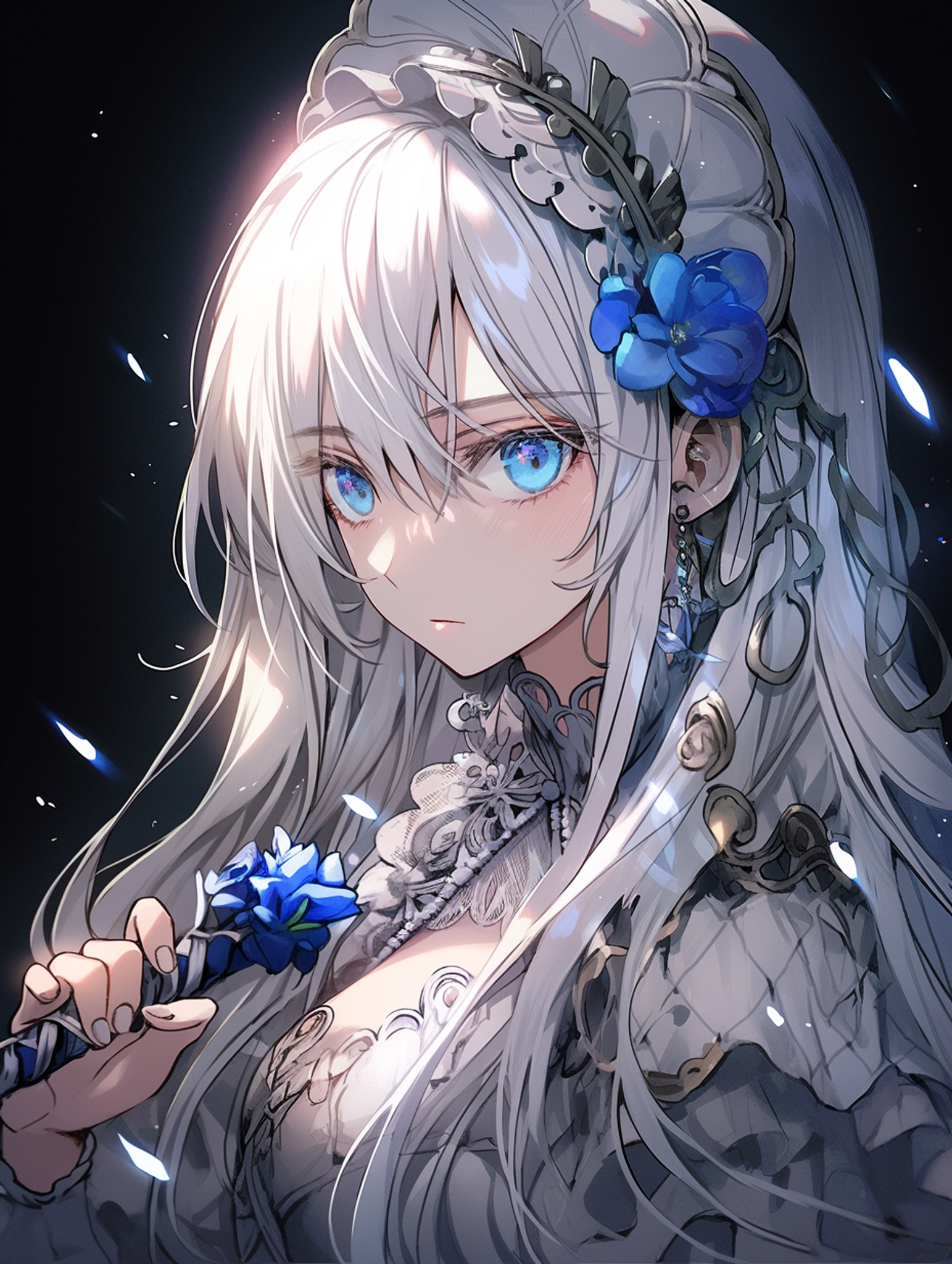

When an area is too small for niji to repaint properly, you can use an image prompt to force the correction.
Simply put the image url into the prompt box. Here, we want to give her blue diamond earrings. This is hard to specify, so we will use an image prompt.

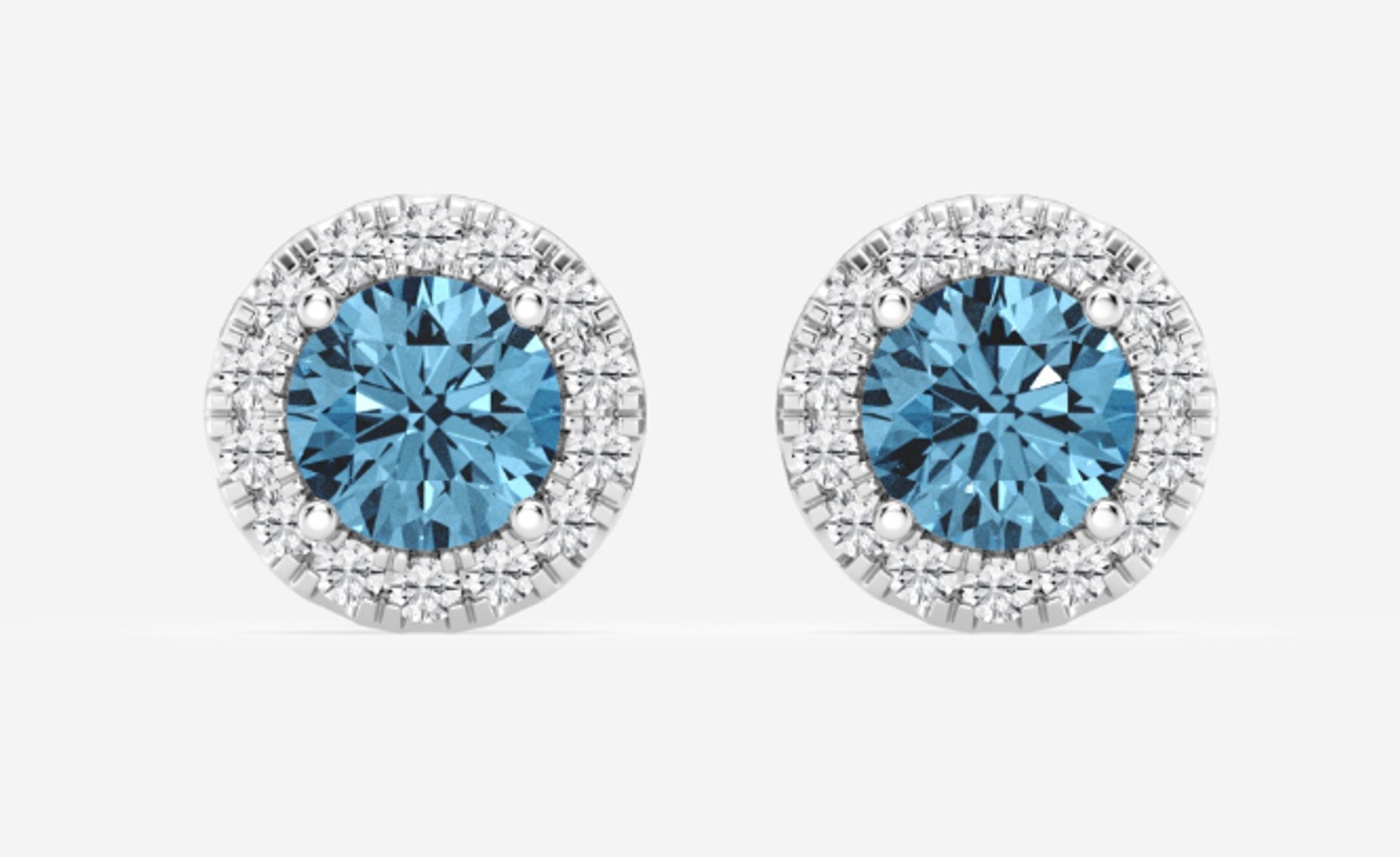
Result:

Note that image prompts will result in a more unnatural repaint. However, sometimes that is necessary to get all the details right!
You can switch the model used for the new region, by specifying it in the prompt.
For example, though this image is made in default settings, we can invoke --style cute to paint the face in a different style. Simply add the suffix to the prompt:

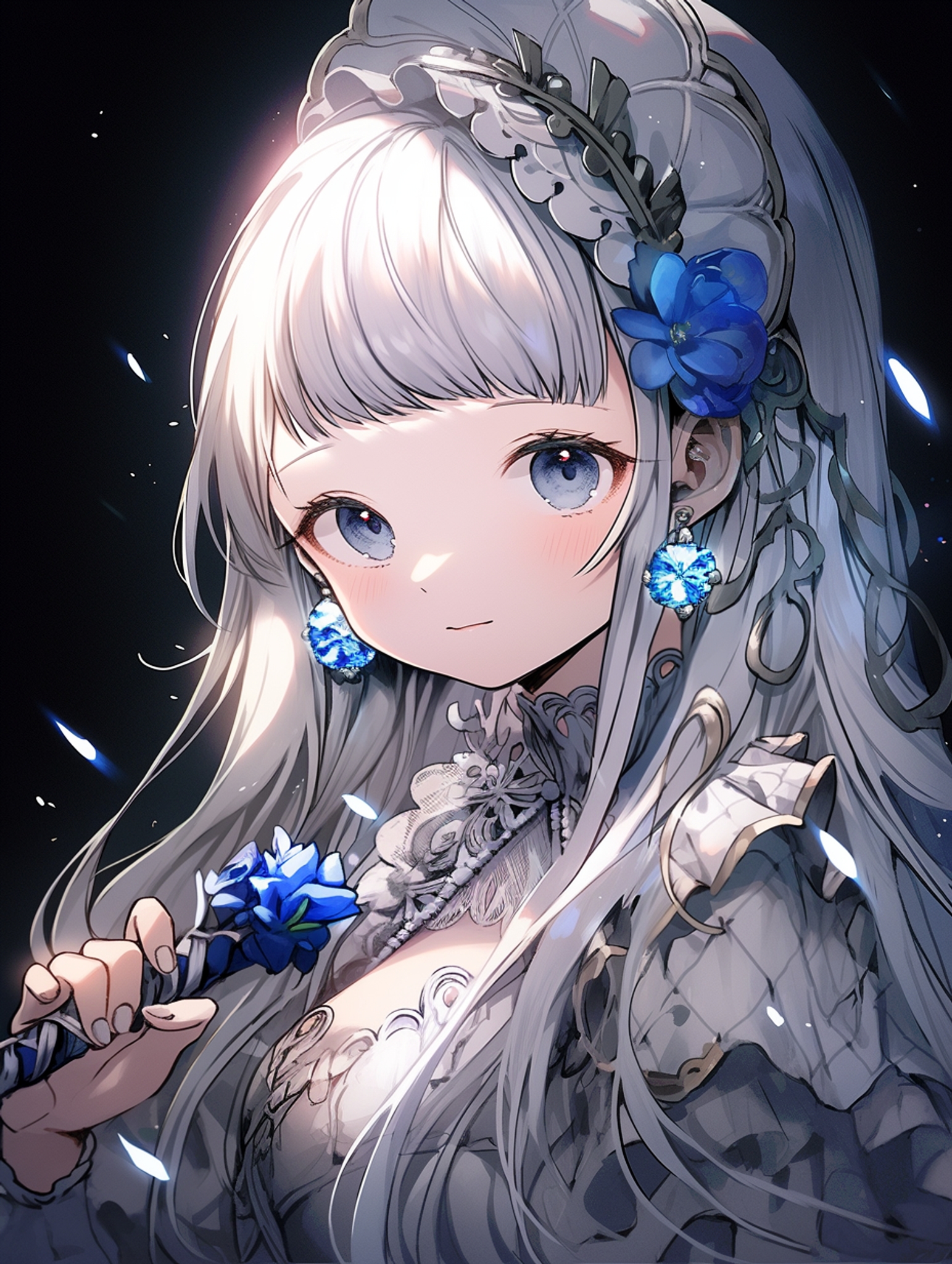
Using this technique, we can even switch into the midjourney model:


Many of you remember our guide for character consistency: 🏗️ How to make your OC in niji・journey/Midjourney
I had recommended sticking to the more statistically likely subjects, since niji is likely to disregard prompts that don’t make sense. This is because niji is making a recommendation on the connotation of each word, based on general trends in art.
Girls with teddy bears tend to look cute. Girls with swords tend to look intimidating. Niji takes in the subject matter’s bias into consideration when bringing concepts to life. We can see this when we select different region sizes to vary: niji will try to make the girl younger and more vulnerable when there’s a teddy bear in the picture.
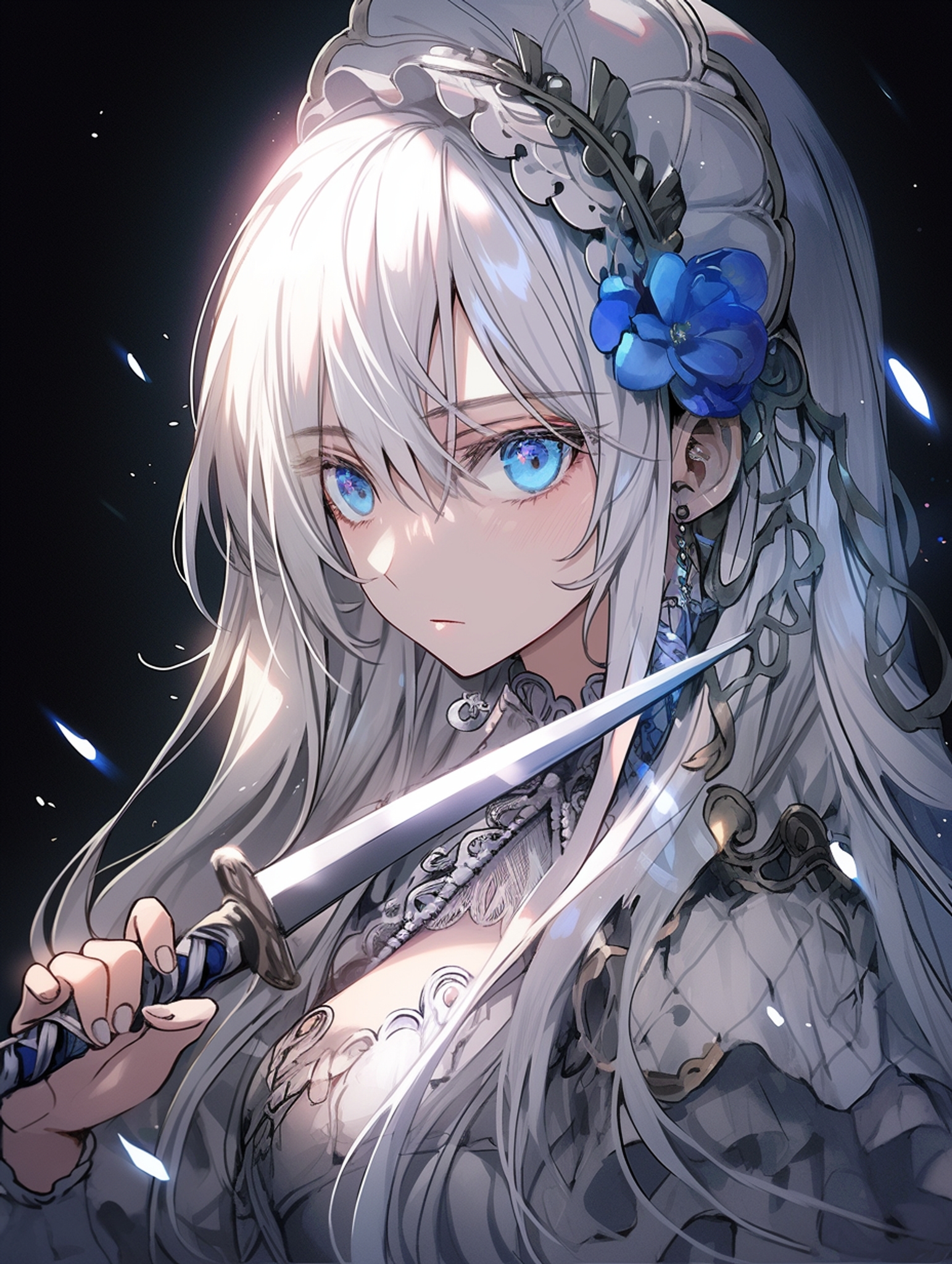
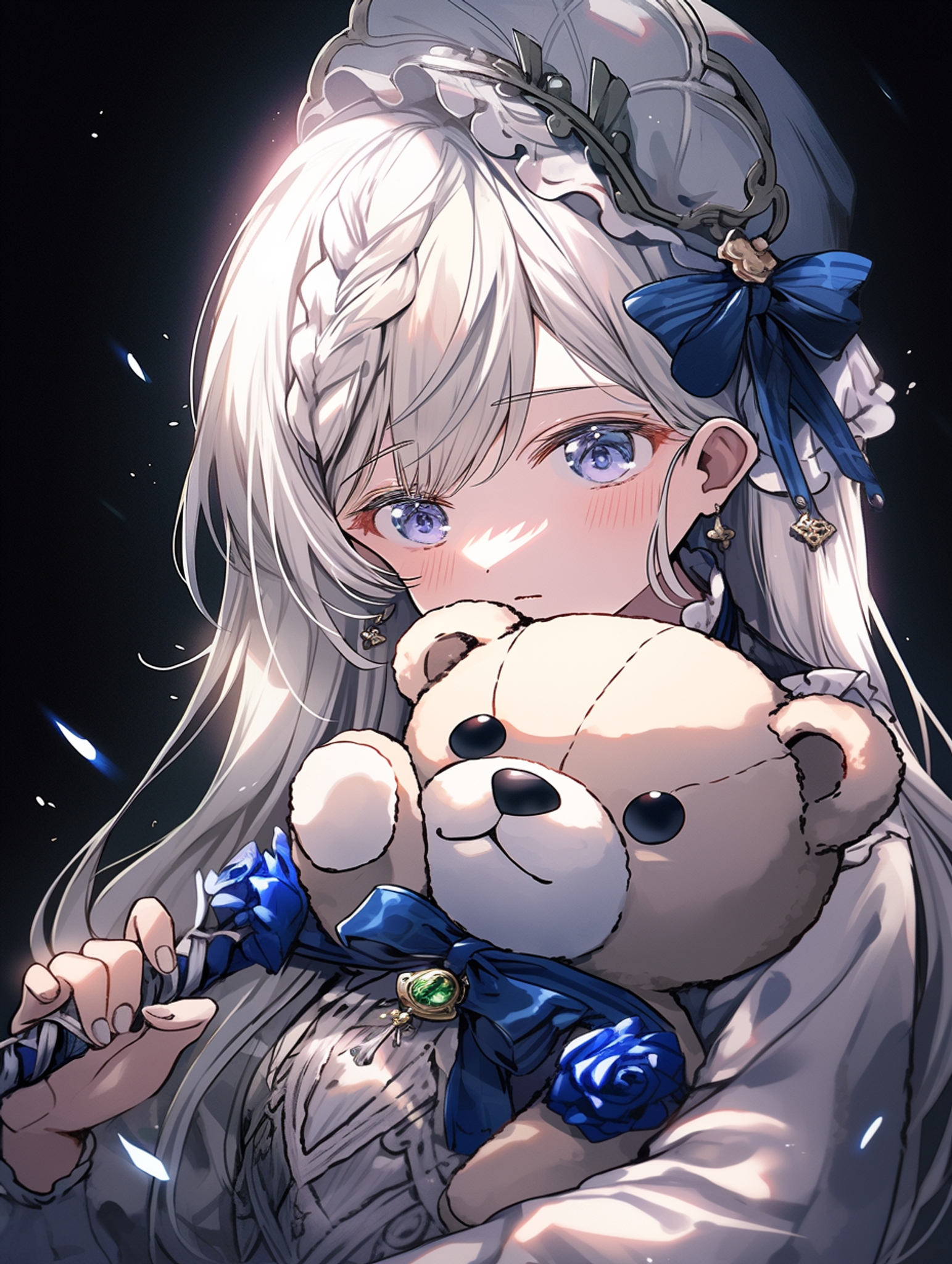
Many times, this is useful: After all, niji’s primary function is to fill in the details on a nebulous concept.
However, what if you already had an intimidating character in mind? What if you want this to be a gap moe moment in your story, where she reveals her cuteness? Then, niji’s recommendations act against your desire.
Now, with vary(region), you can take greater control over your own connotation.
相关文章
niji・journey
niji・journey 是什么?
欢迎来到 niji・journey。这是一款最先进的 AI 生成器,可以绘制任何二次元风格的图像!本魔法般的工具是由 Spellbrush 与 Midjourney 所共同设计开发的。无论您是在寻找可爱的 Q 版角色还是充满动感的动漫场景,niji・journey 都能将您的想象变为现实。我们迫不及待地想看看您创造了什么!


我们可以在哪里找到您?
如果您是一名 AI 研究人员并且喜欢二次元,欢迎将履历寄至 [email protected]。
如果您是位才华横溢的求知者,可以前往我们的招聘页面上查看其他空缺职位。
如需商业咨询和工作室授权等,请联系 [email protected]。