博客
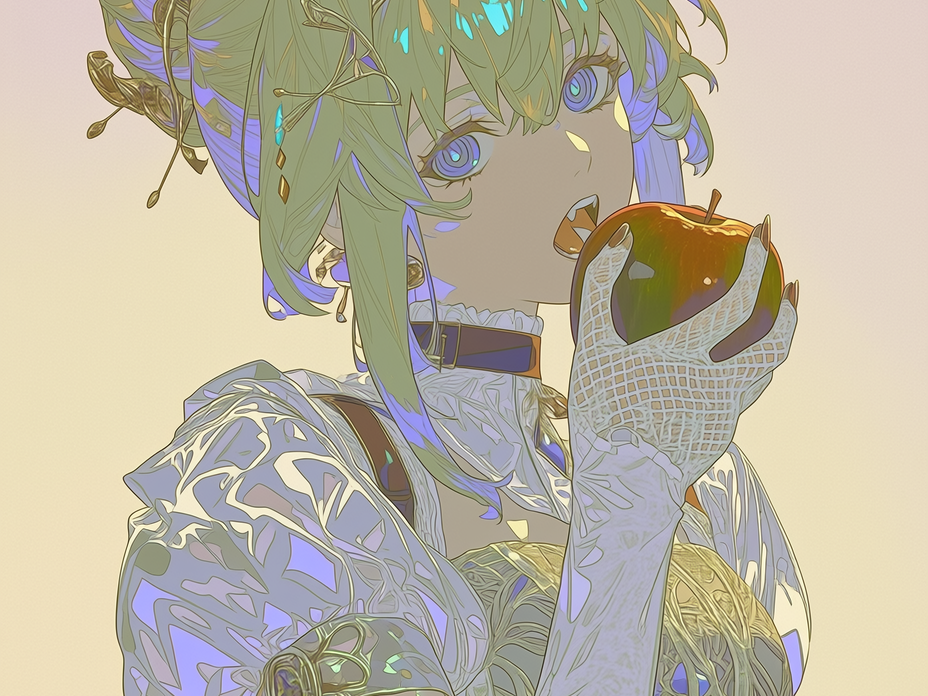
隆重推出 Style Explorer / Style Creator!
带你快速上手 Niji 的 Style Explorer与 Style Creator功能!
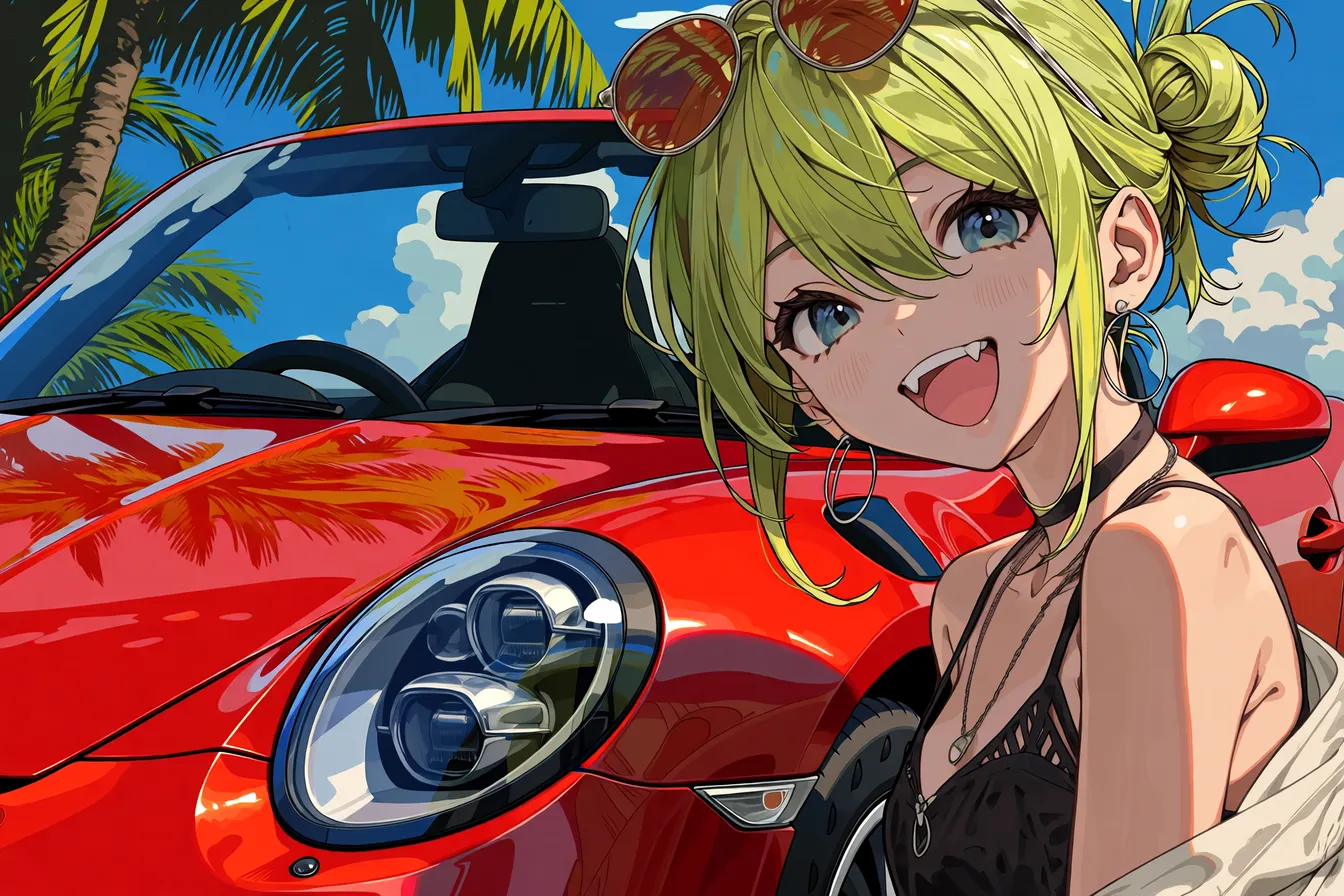
Niji 7 提示词技巧
Niji 7 构思提示词的小贴士
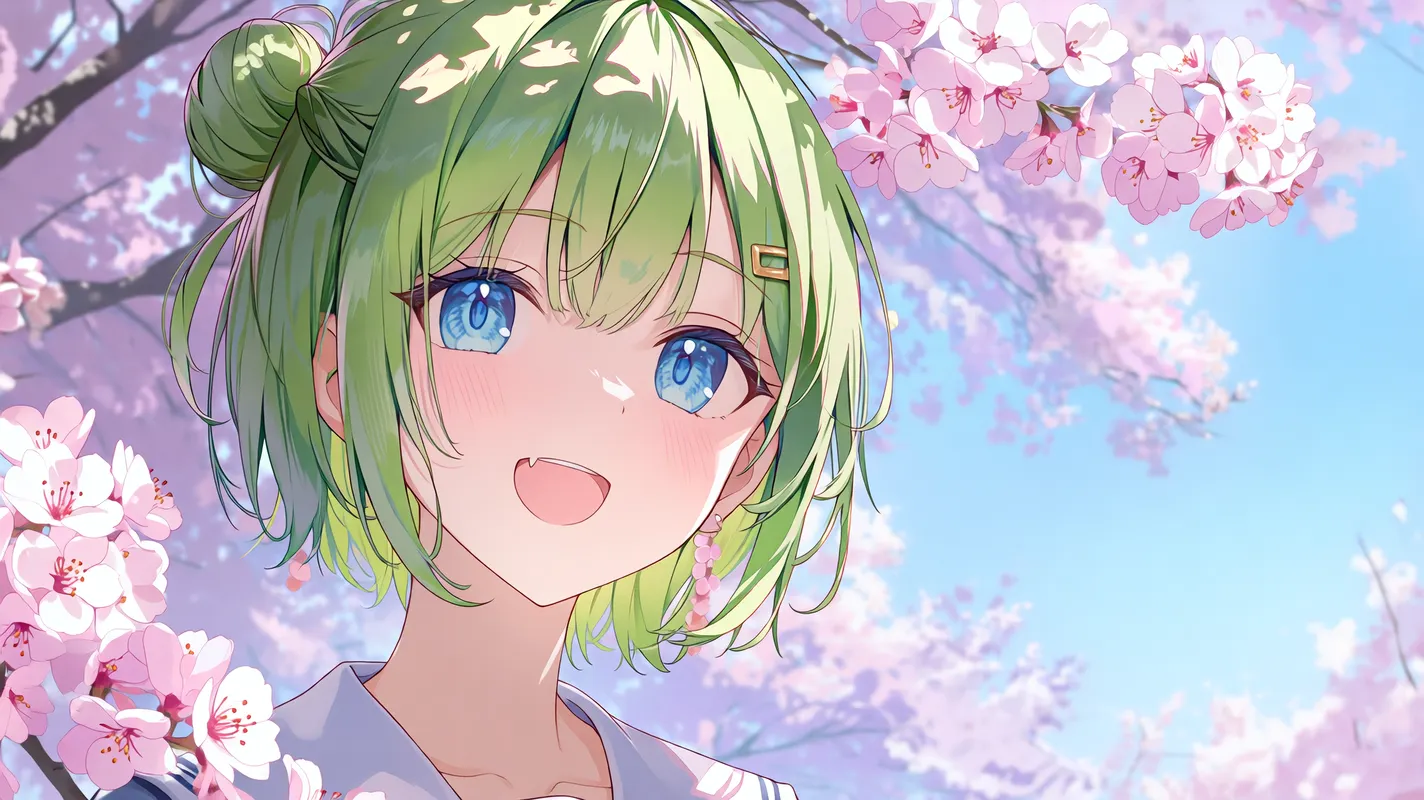
欢迎来到Niji V7!
欢迎来到Niji V7!
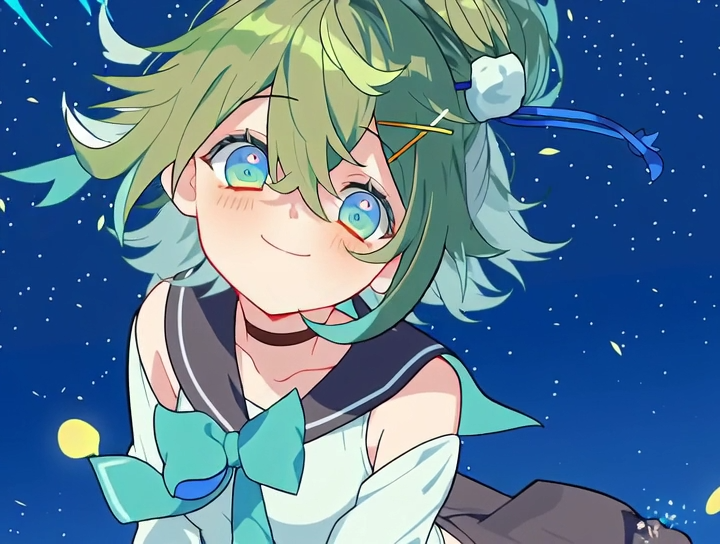
如何用niji・journey指定影片的结束画面
如何用niji指定生成影片的结束画面

如何用niji・journey制作动画
如何用niji・journey制作动画影片
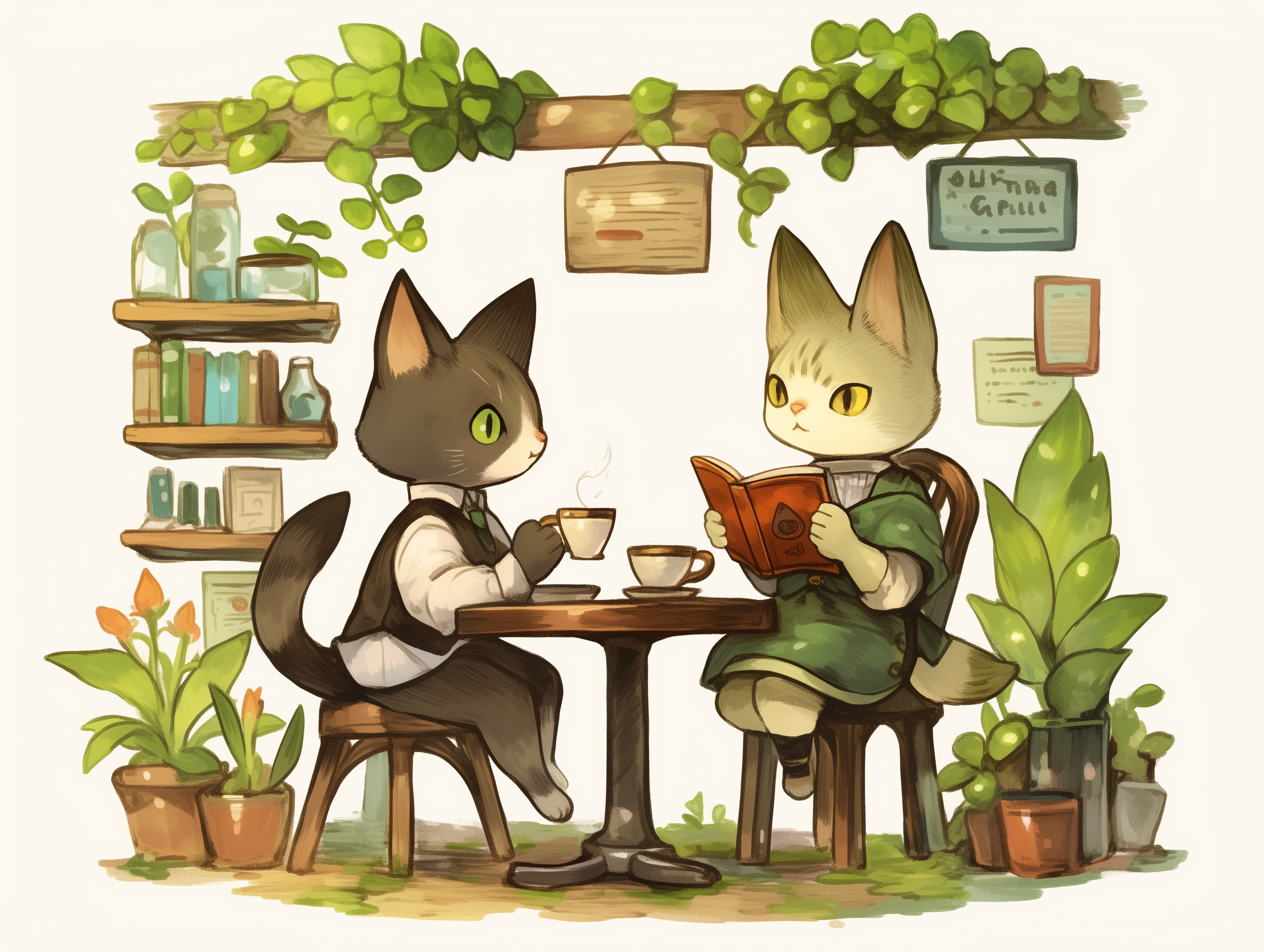
个性化功能现在可以在APP版上使用啦!
随时随地都可以塑造专属于你的个人风格!
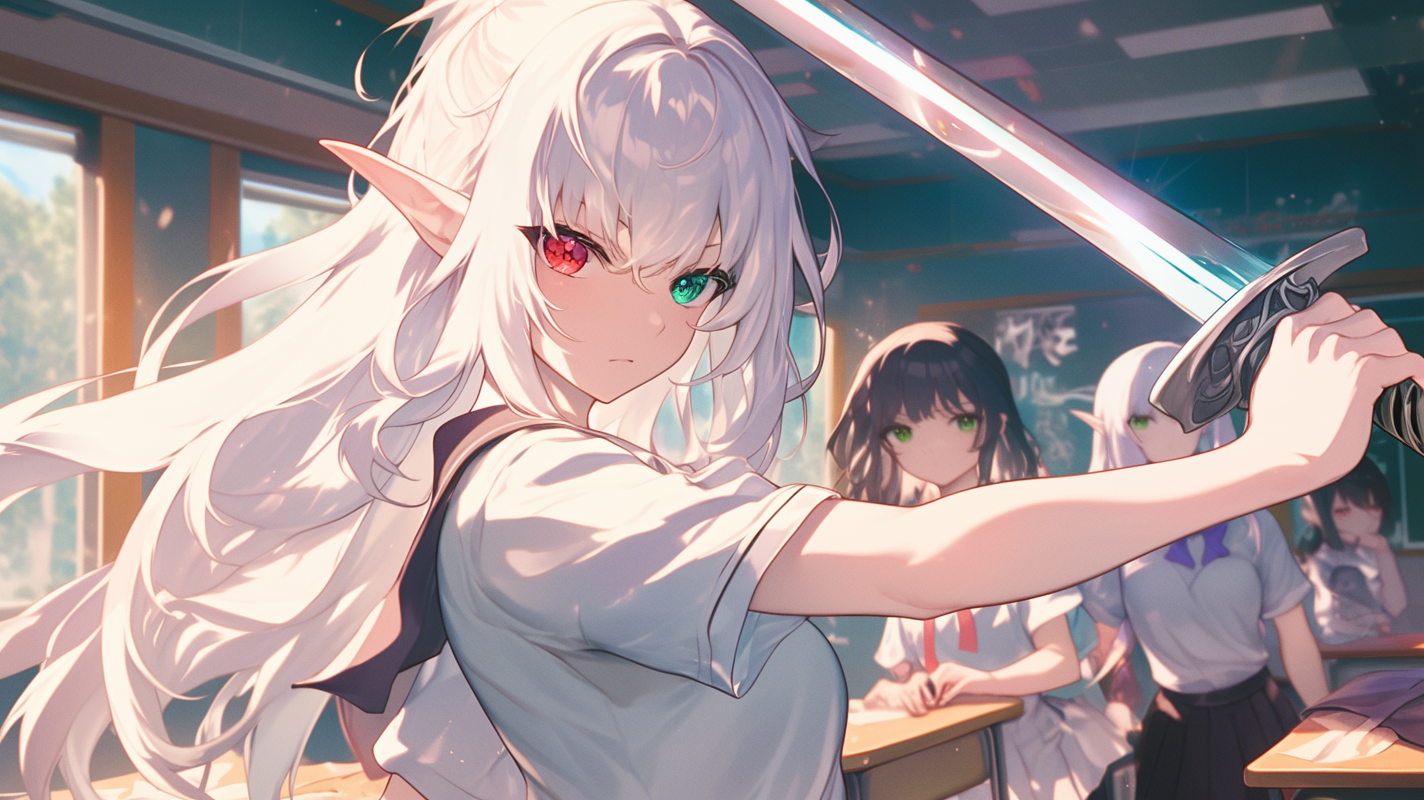
How To Create Original Characters with Niji
How To Create My Original Characters with AI

将您的照片转换为动漫风格!
如何将我的照片转换成动漫风格?

在 Niji 中编辑您的图片!
上传自己的图片并使用 Niji 进行编辑!
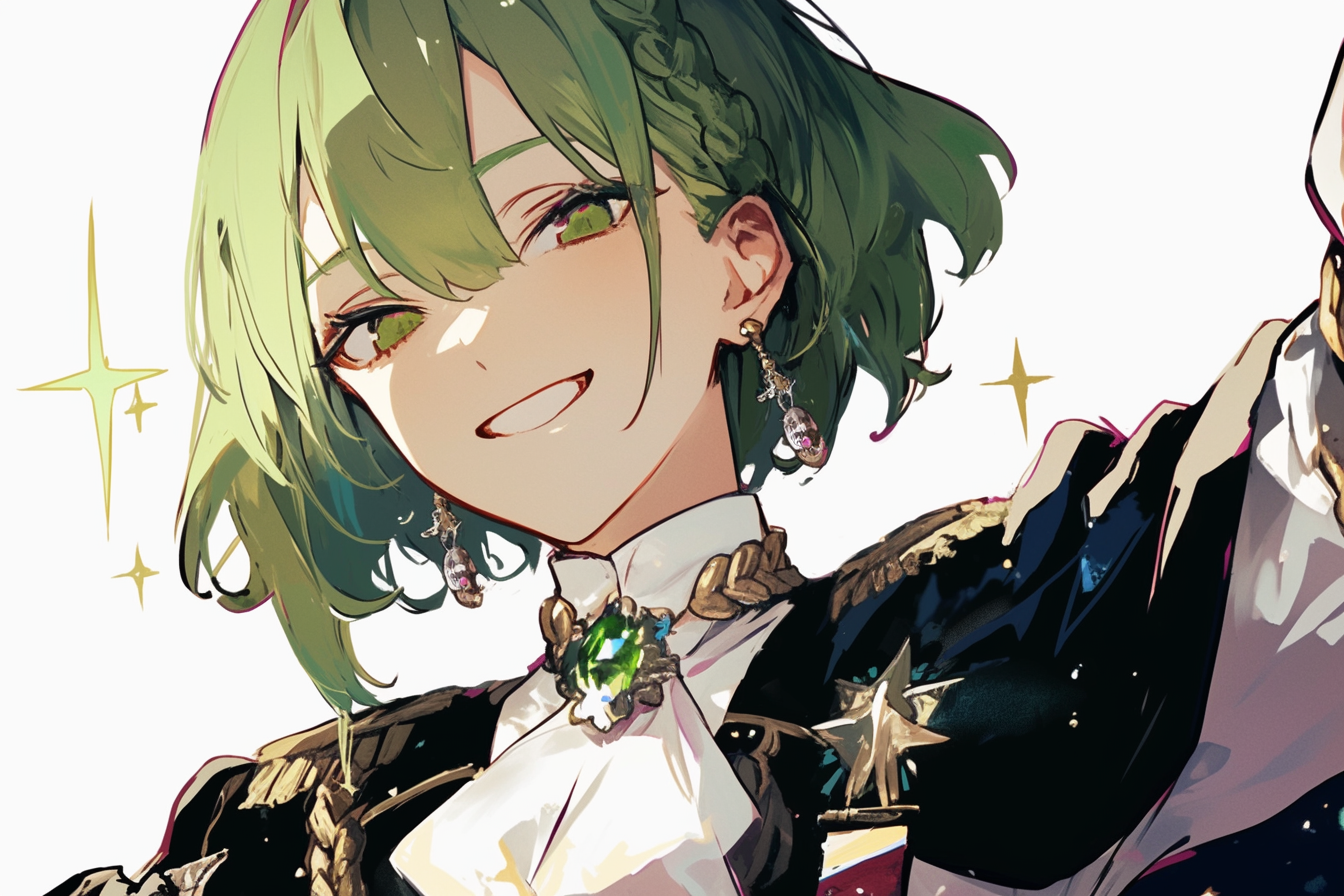
介绍个性化功能!
个人化!这意味着你可以在 Niji 上设计出属于你独一无二的个人风格。

如何使用 niji・journey 生成图像?(移动版)
欢迎使用 niji! 本指南将帮助您使用 niji・journey 移动应用生成您的第一张图像。 移动应用当前提供 20 次免费生成!

如何使用 niji・journey 生成图像?(桌面版)
欢迎使用 niji! 本指南将引导您完成一些简单的步骤,来生成您的第一张图像。
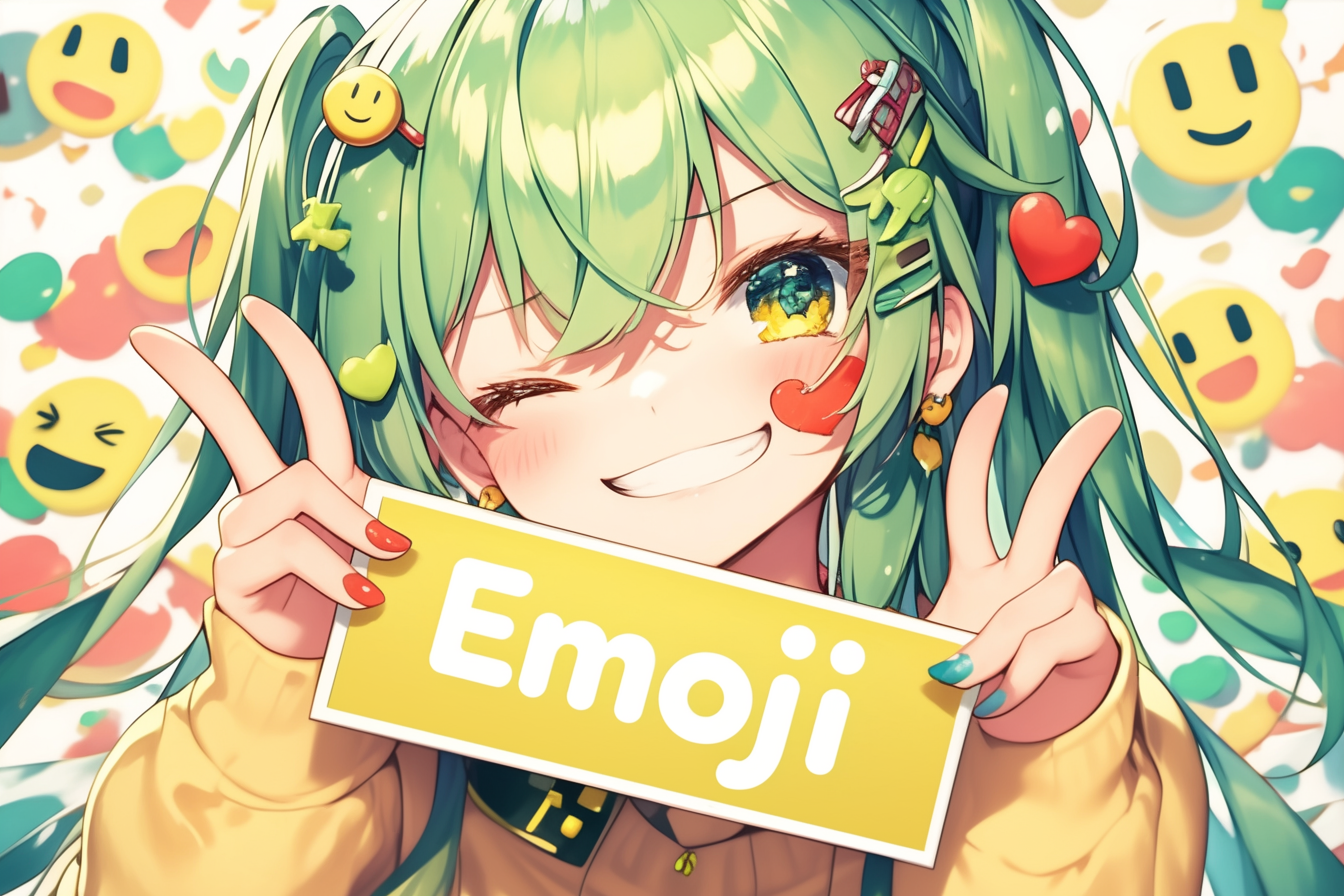
How to create my own emojis?
Today we’ll be teaching you how to create an emoji set: a series of emojis of the same character, showing a range of different expressions.

改进后的日文文字书写
大家好!我们已推送了一次更新,提升了niji的日文文字书写准确性!
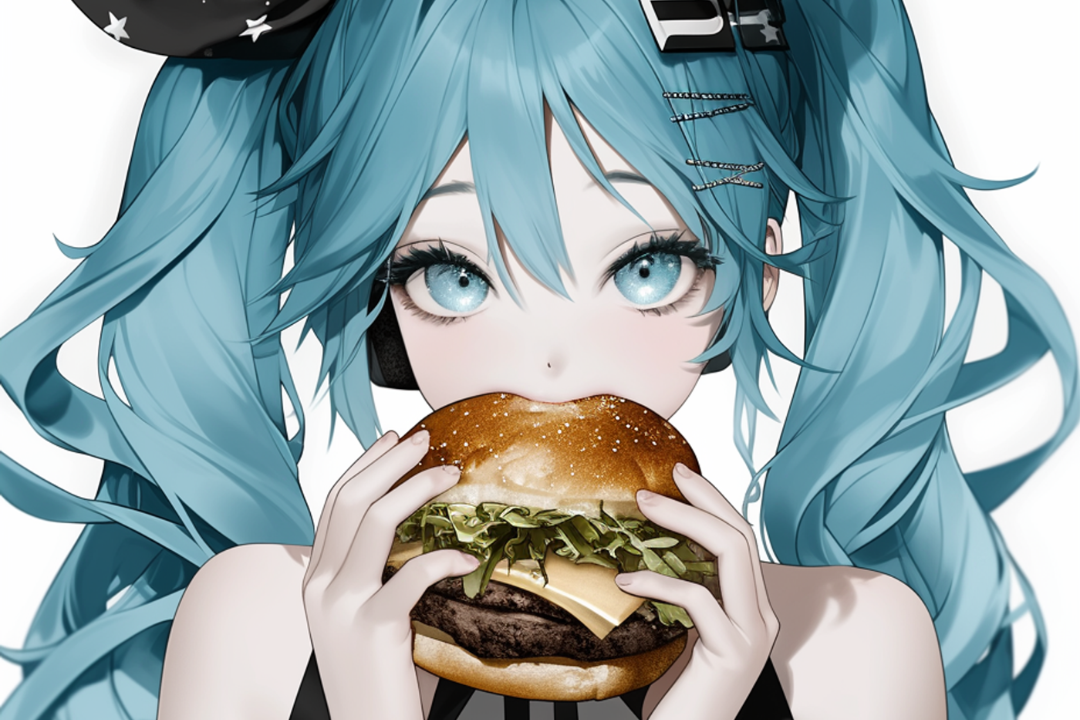
如何使用sref random
现在,你可以生成一张 sref 图片而无需具有图片风格参考!
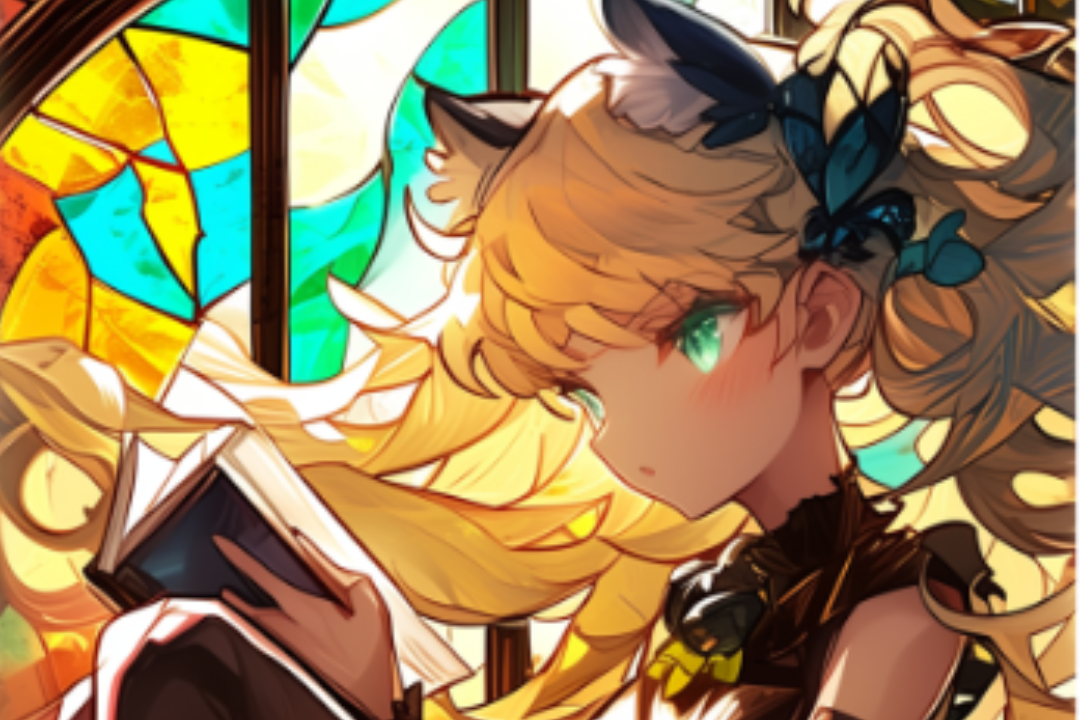
进阶 cref 和 sref 界面
对于此次更新,我们不仅简单地将图像功能移植过来,还在 niji 移动应用上实现了全新的图像管理系统。
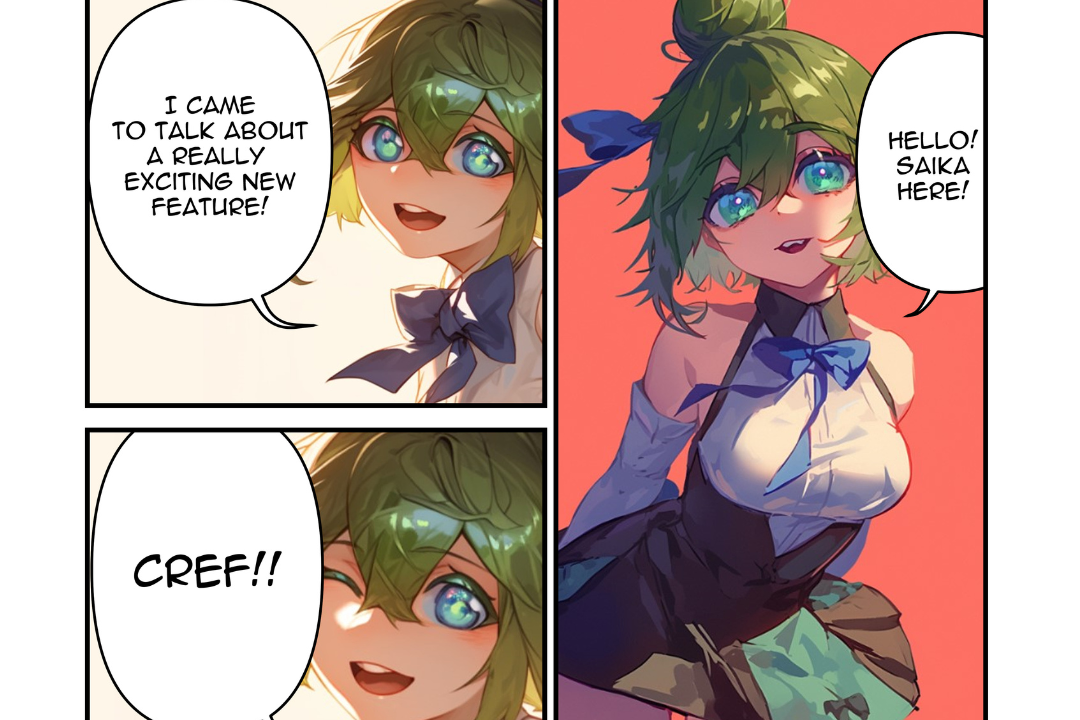
Cref: 角色参考
今天,我们的开发日志更新有一位特别嘉宾。欢迎我们的看板娘,Saika!👏
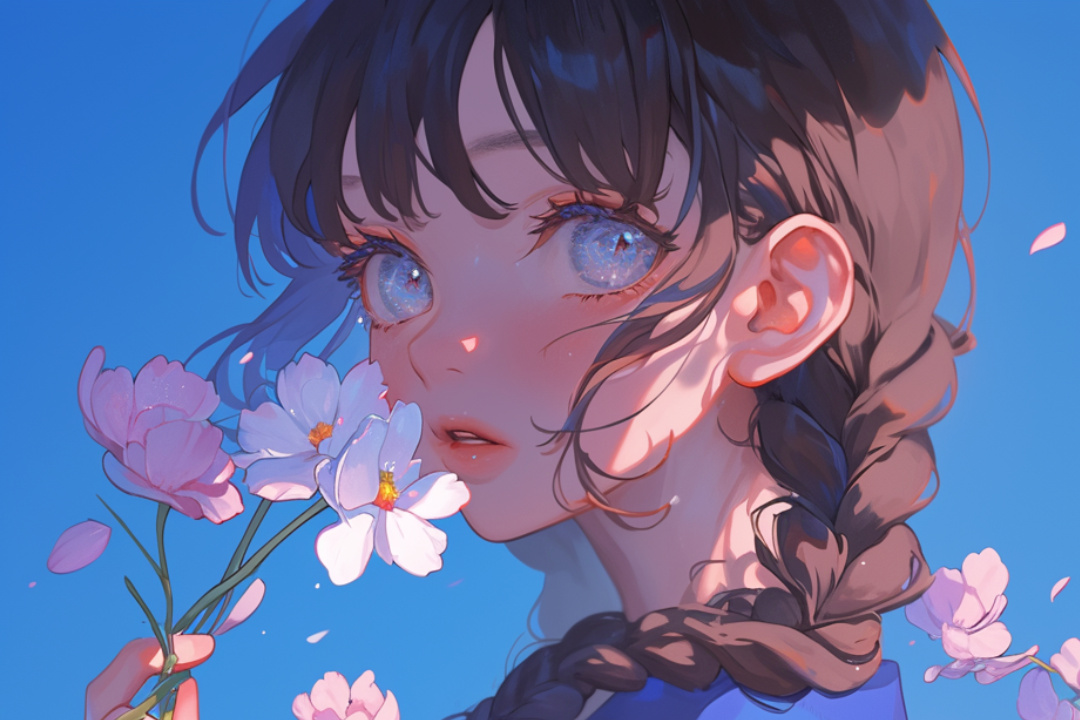
Sref: 樣式參考!
目前,--sref 只在 niji v6 alpha 和 midjourney v6 alpha 版本上可用,并且可能会在 niji 6 的正式发布中进行更新。

欢迎来到Niji V6!
我非常兴奋地宣布Niji V6 alpha版本的发布!
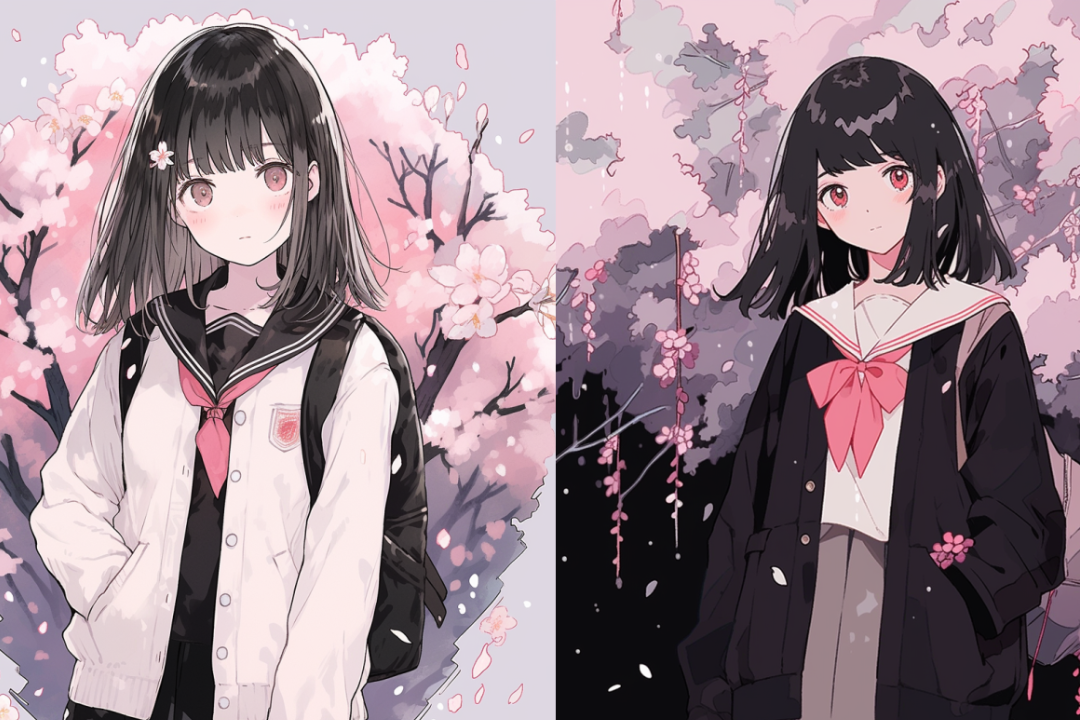
Style Tuner Advanced Usage Guide
Here at niji, we devote the majority of our research to the classification and synthesis of unique styles. After all, anime itself is a big stylization: it doesn’t exist in reality.

Holiday Niji App Update
We’re very excited to announce two highly anticipated features launching on niji mobile: Vary (Region) and Rooms.

Personalized Niji Styles!
We’re very excited to announce the launch of the niji style tuner. You’ve enjoyed the niji styles: now you can make one of your very own and share it with friends!
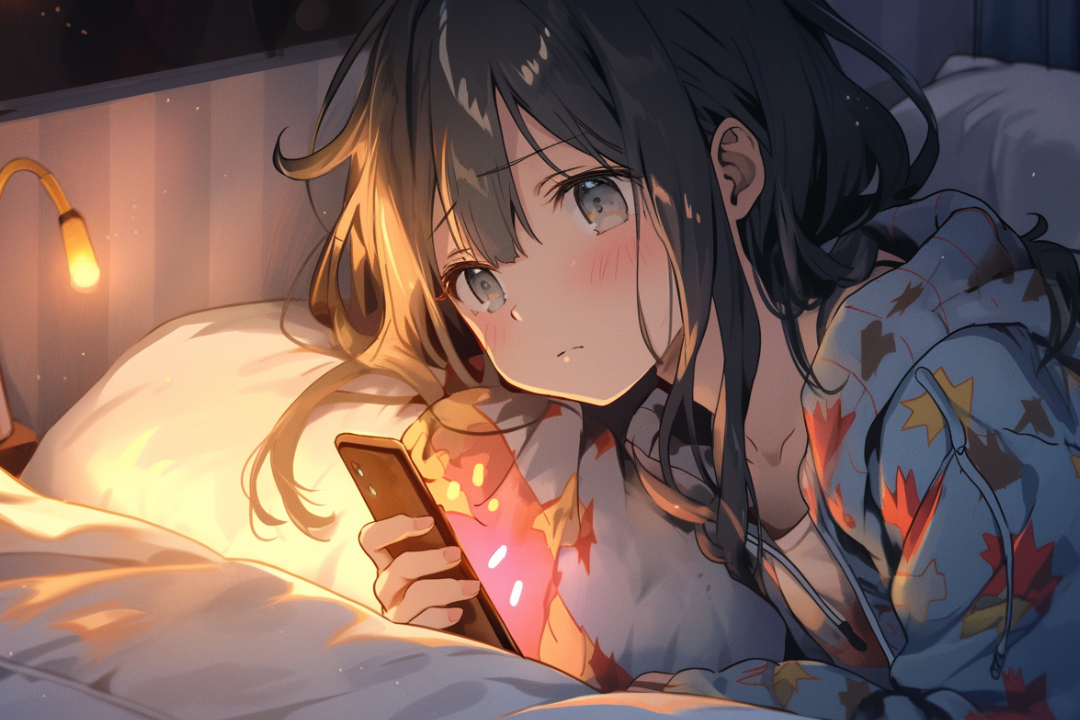
Introducing the Niji Mobile App
To celebrate the launch of the niji app, we’re giving everyone 20 free generations!

Advanced Vary (Region) Techniques
We’ll show you how to use the advanced techniques for the Vary(Region) feature.

什么是图像修复
我非常期待即将推出的 niji・journey 的图像修复功能!它可以选择绘画的某个区域并重新绘制。

Unleashing the Zoom Out button
When zooming out, we can modify the prompt to add context which was not present in the original shot.
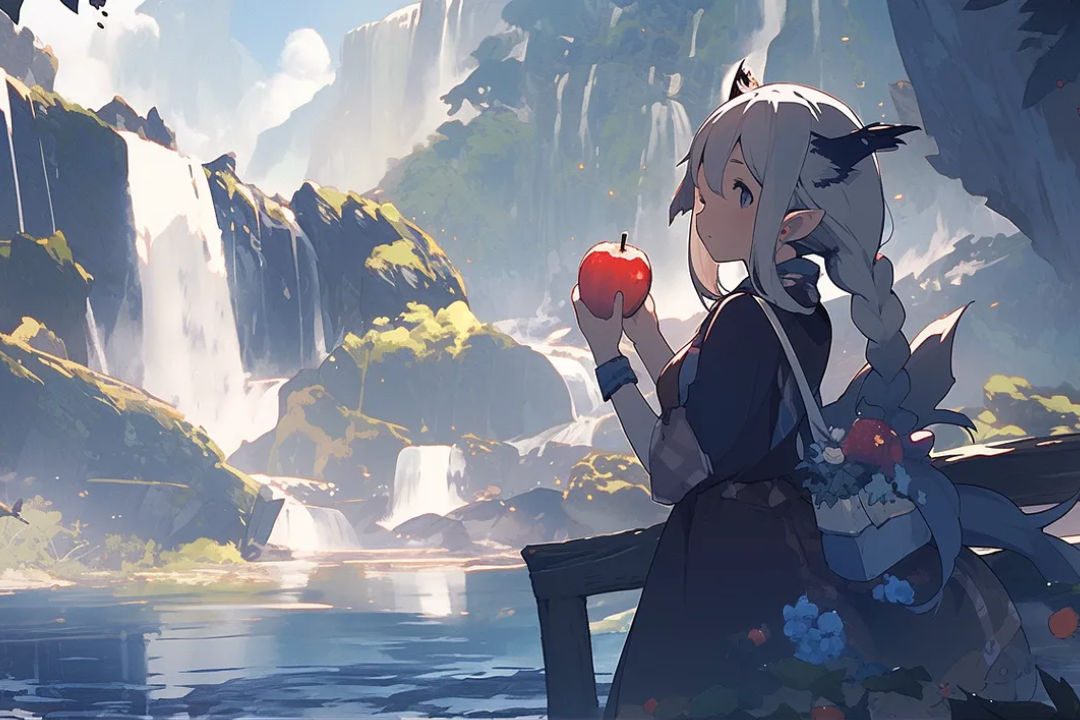
调整美学感化力Niji 5 – Scenic介绍!
大家好,我们很高兴推出 Niji 5最后一个风格 - Scenic!
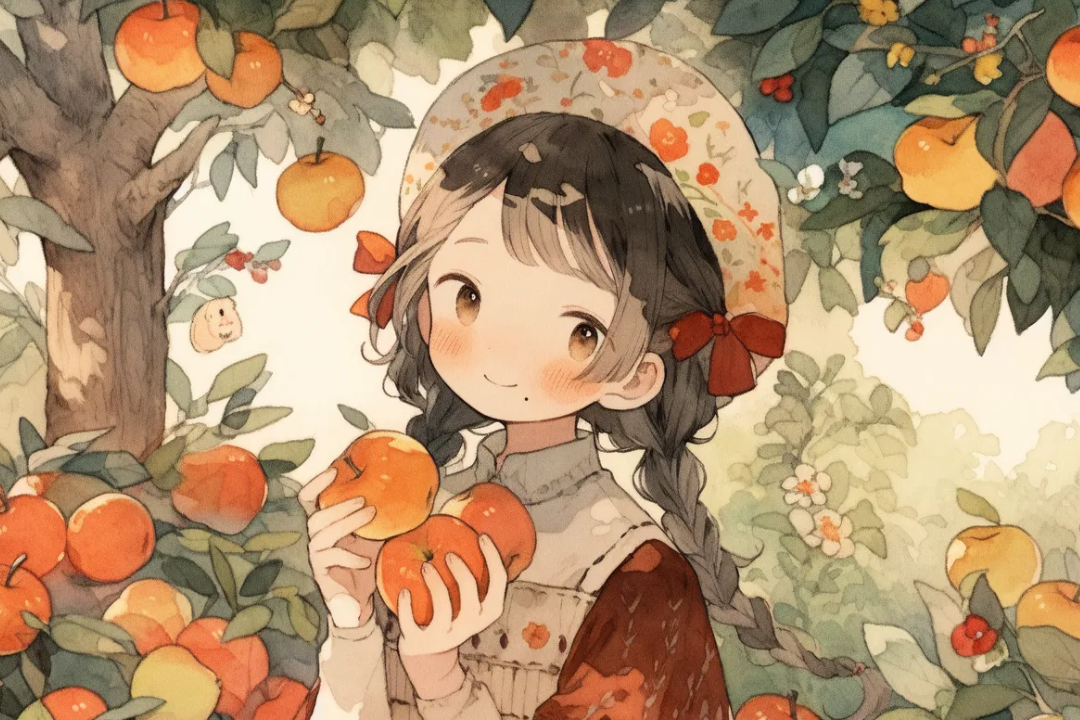
Niji 5 – Cute介绍!
大家好,我们很高兴推出第三种 Niji 5风格 - Cute!
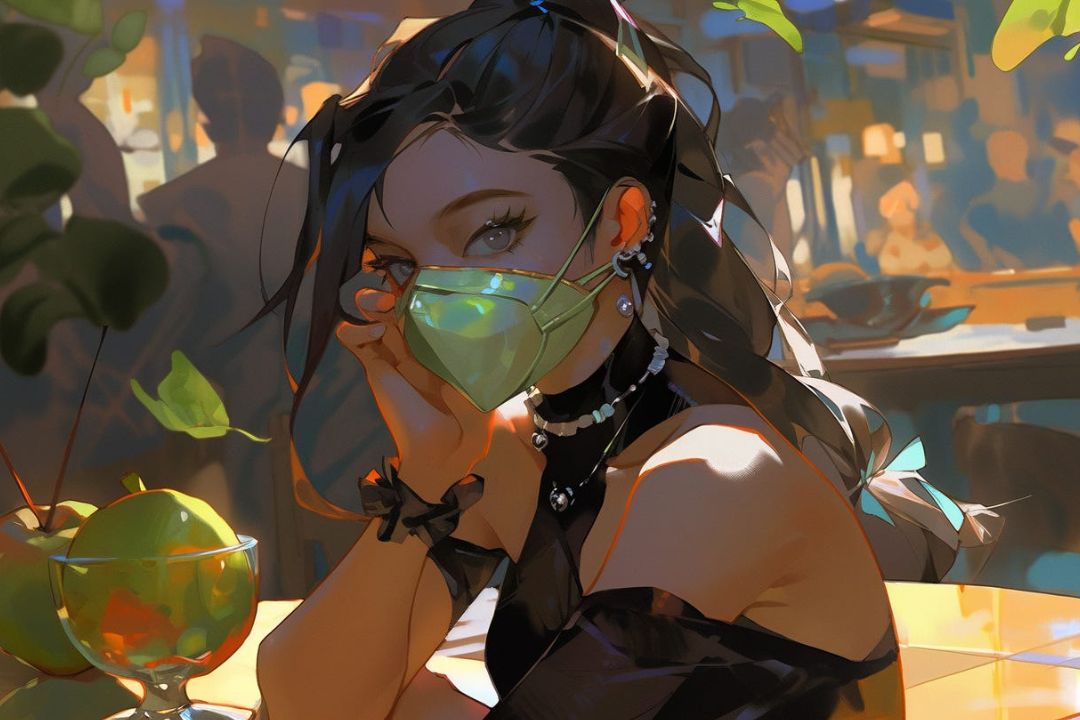
Niji 5 – Expressive介绍!
大家好,我们很高兴推出 Niji 5第二种风格 - Expressive!
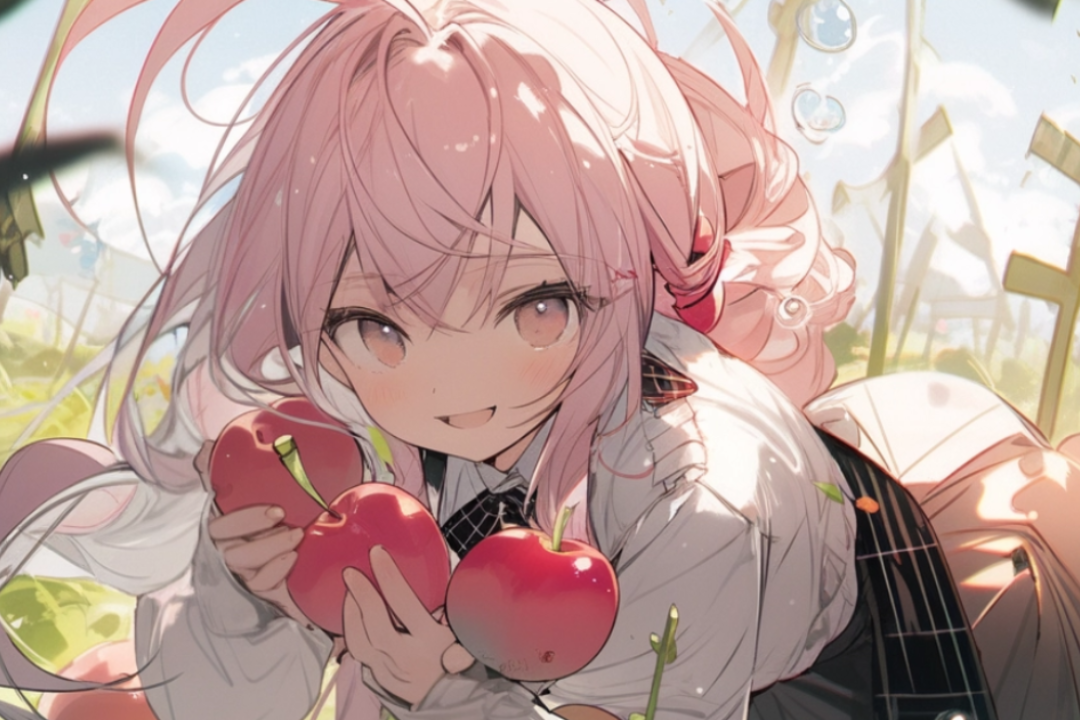
Niji 5介绍!
大家好! Niji 5现在已经发布了!

如何在niji・journey/Midjourney里制作自己的原创人物
我们被问得最多的一个问题是:“怎样利用 niji画出自己的原创人物?”
niji・journey
niji・journey 是什么?
欢迎来到 niji・journey。这是一款最先进的 AI 生成器,可以绘制任何二次元风格的图像!本魔法般的工具是由 Spellbrush 与 Midjourney 所共同设计开发的。无论您是在寻找可爱的 Q 版角色还是充满动感的动漫场景,niji・journey 都能将您的想象变为现实。我们迫不及待地想看看您创造了什么!


我们可以在哪里找到您?
如果您是一名 AI 研究人员并且喜欢二次元,欢迎将履历寄至 [email protected]。
如果您是位才华横溢的求知者,可以前往我们的招聘页面上查看其他空缺职位。
如需商业咨询和工作室授权等,请联系 [email protected]。